RECOMMENDATION
My pick, with the reasons and the scores behind it.
 +
+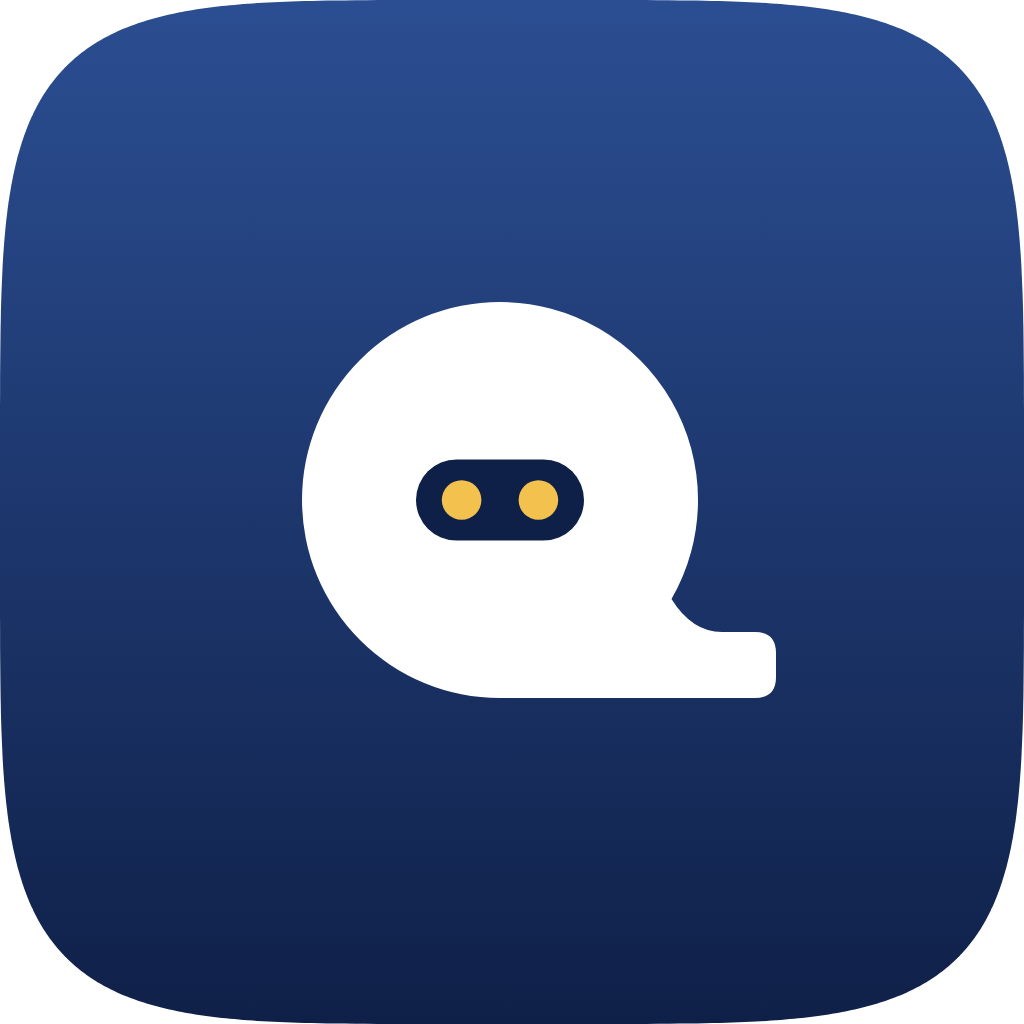
Point Q A3, baseline tail, in Midnight
- Reads as a Q best of the five: 8.5 out of 10, against 4 for round 6.
- No map pin. The tail lies flat along the baseline and points sideways.
- Holds up small. Best at 16 px, with hand-drawn pixel versions at 16 and 32 px.
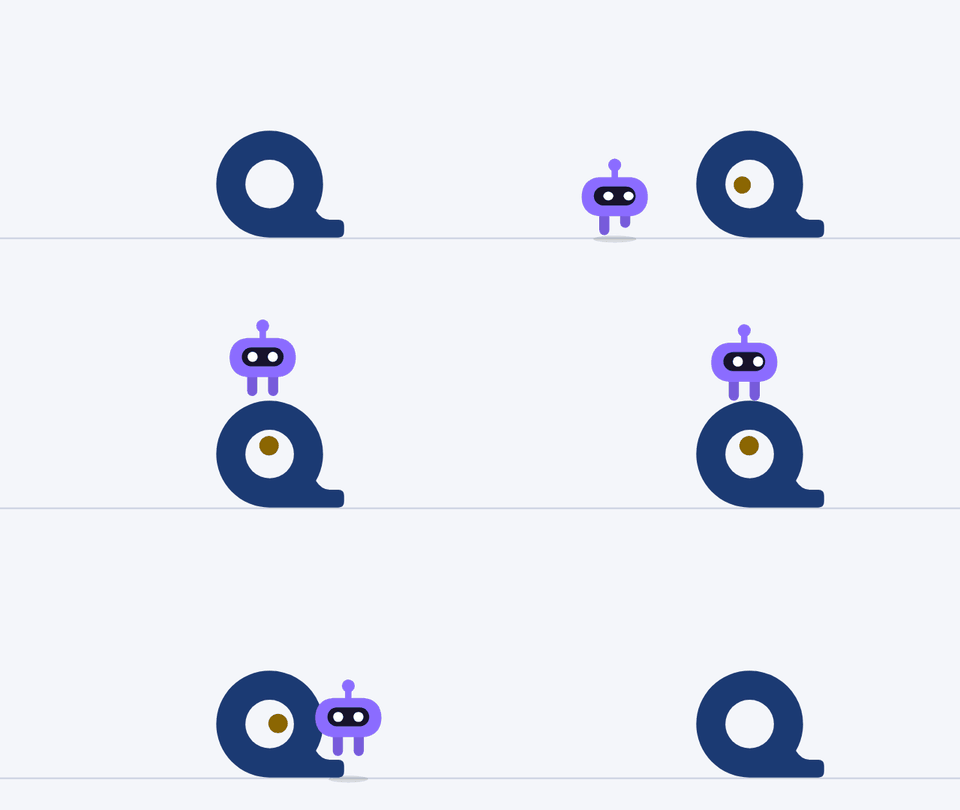
- Moves well. The widest range of the set in the loops below.
- Bot mark: Visor Q A3 for the bot and character uses. At a true 16 px the face is tiny, so use plain A3 where the Q has to read at once.
- Backup: Shift A. The most memorable in the blind test, but nobody saw a letter in it.
BRAND DESIGNER REVIEW · SCORES OUT OF 10
| Mark | Reads as Q | Stands apart | Small sizes | Not a lookalike | Motion | Overall | What it reminded them of |
|---|---|---|---|---|---|---|---|
| Round 6 Point Q A | 4 | 6.5 | 8 | 4 | 6.5 | 5.5 | a rounded “a”, a speech bubble |
| Point Q A1 | 5.5 | 6.5 | 5 | 5 | 6.5 | 5.5 | a sticker with a peeled corner |
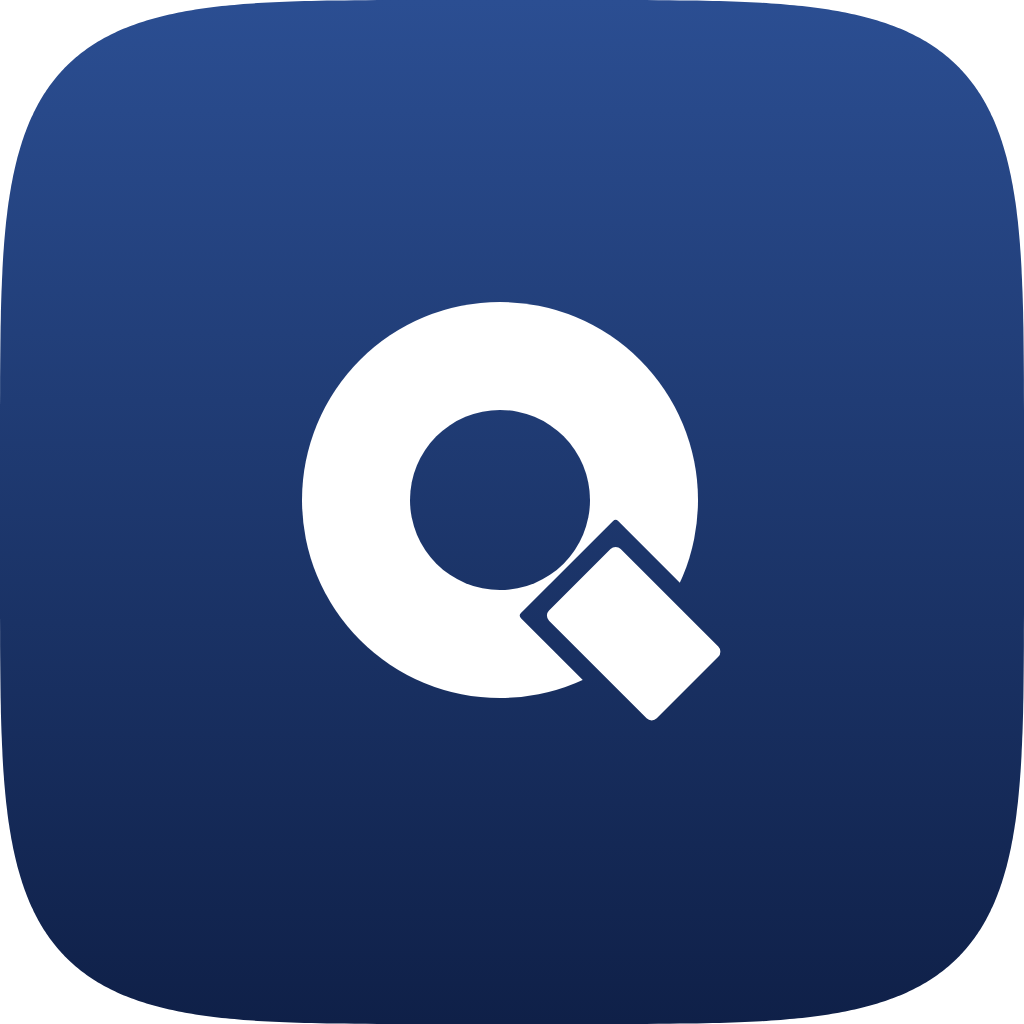
| Point Q A2 | 8 | 5.5 | 5 | 4.5 | 6 | 6 | a Q drifting toward a magnifier |
| Point Q A3 | 8.5 | 6 | 8.5 | 7 | 9 | 8 | a friendly Q with a small foot |
| Visor Q A3 | 7 | 7.5 | 6.5 | 6 | 9.5 | 7.5 | a robot head |
BLIND CRITIC · GIVEN NO NAMES AND NO BRIEF
| Mark | First impression | Letter it saw |
|---|---|---|
| Point Q A3 | a roll of tape with the end pulled out, or a snail | Q |
| Point Q A1 | a doughnut with a peeling corner | Q |
| Round 6 Point Q A | a tape measure, a padlock | a |
| Point Q A2 | a magnifying glass | Q |
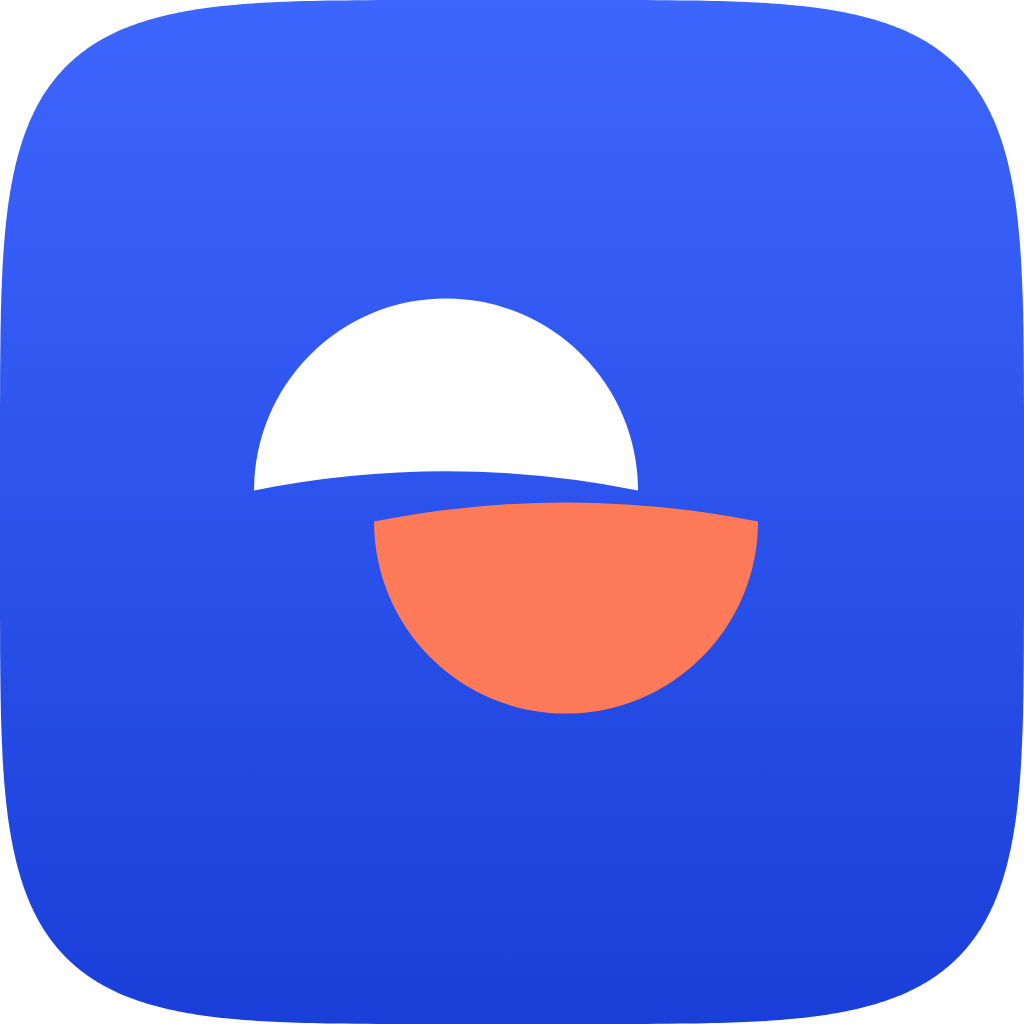
| Shift A | a ball cut in half | none |
One reviewer each, so treat this as a guide, not a verdict. The blind critic found Shift A the most memorable.
THE MARKS
Each candidate as a full app icon, in Midnight. Click any one to see it larger.


IN MOTION
The loops for marketing, both built on Point Q A3. They play on their own and repeat.
SAME LOOPS AS GIFS (FOR PLACES THAT CANNOT PLAY VIDEO)

SMALL SIZES
Each mark at a real 16 and 32 pixels, then enlarged so you can see the pixels. Only Point Q A3 and Visor Q A3 were drawn by hand at these sizes; the rest are scaled down.
 16 px, actual
 32 px, actual16 px, shown 8×32 px, shown 4×
 16 px, actual
 32 px, actual16 px, shown 8×32 px, shown 4×
 16 px, actual
 32 px, actual16 px, shown 8×32 px, shown 4×
 16 px, actual
 32 px, actual16 px, shown 8×32 px, shown 4×
 16 px, actual
 32 px, actual16 px, shown 8×32 px, shown 4×
 16 px, actual
 32 px, actual16 px, shown 8×32 px, shown 4×16 px, actual32 px, actual16 px, shown 8×32 px, shown 4×16 px, actual32 px, actual16 px, shown 8×32 px, shown 4×16 px, actual32 px, actual16 px, shown 8×32 px, shown 4×16 px, actual32 px, actual16 px, shown 8×32 px, shown 4×16 px, actual32 px, actual16 px, shown 8×32 px, shown 4×16 px, actual32 px, actual16 px, shown 8×32 px, shown 4×
FIRST IMPRESSION TEST
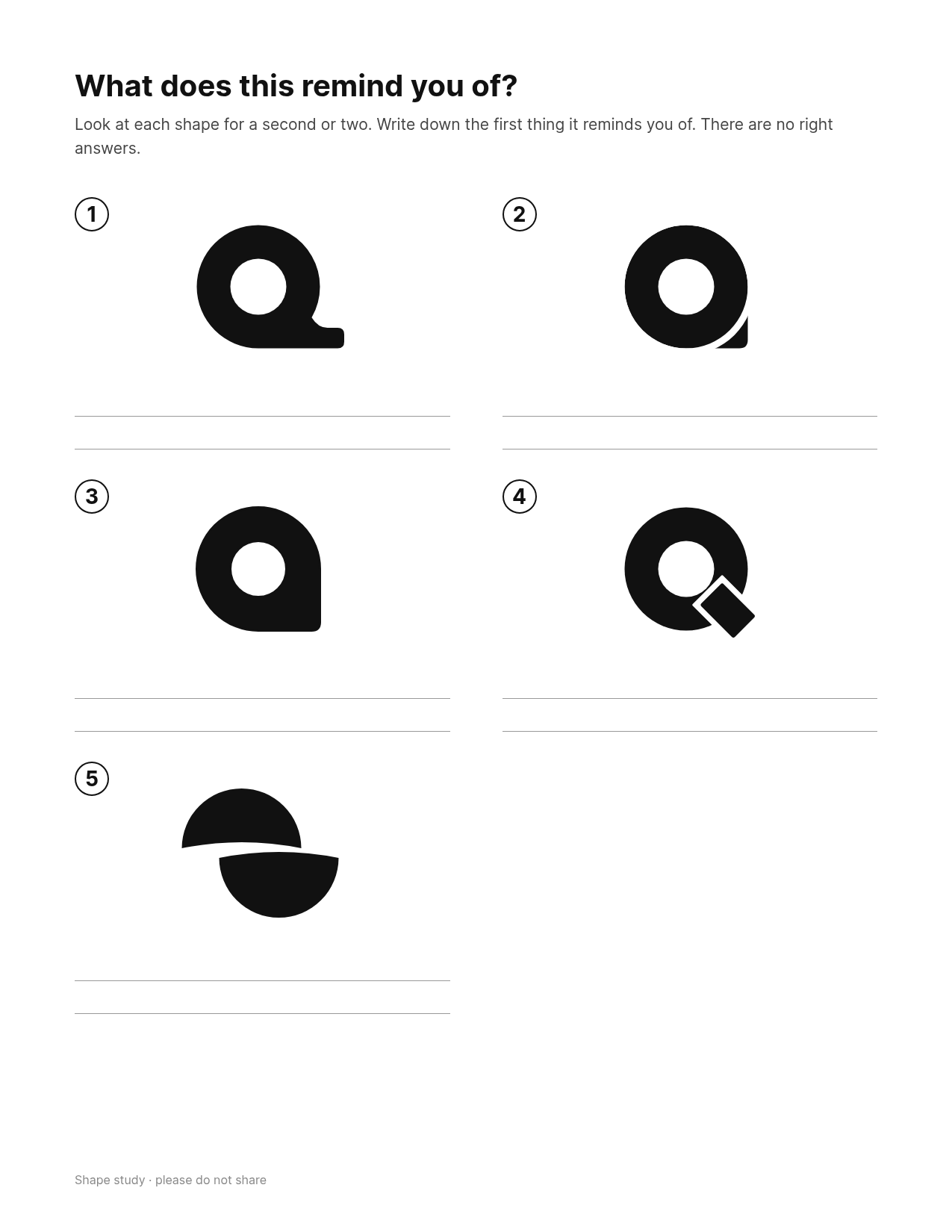
The printable sheet for a quick people test. Show it to about five people, ask “What does this remind you of?”, and write down the first answer. The shapes have no names on purpose.
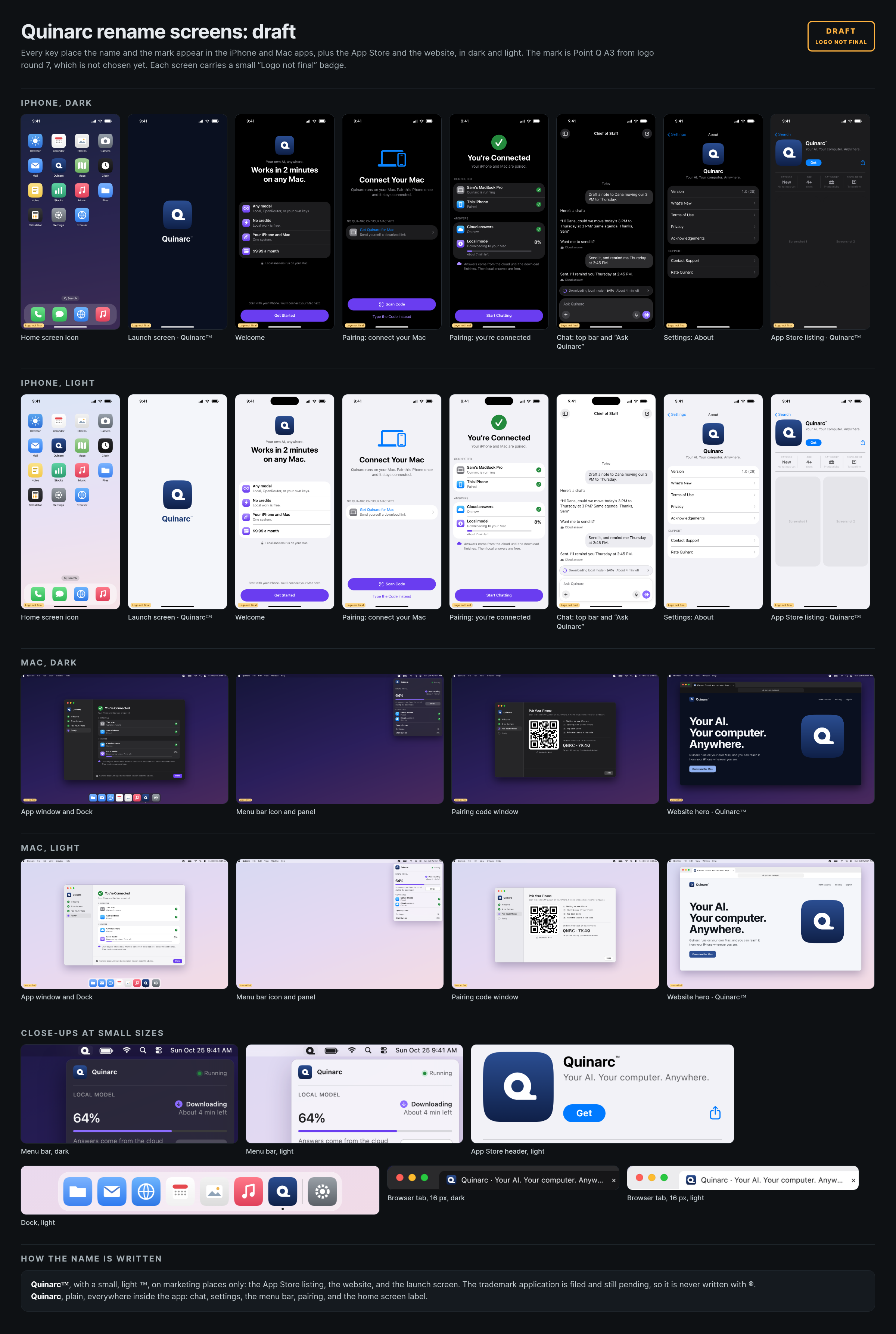
RENAME SCREENS
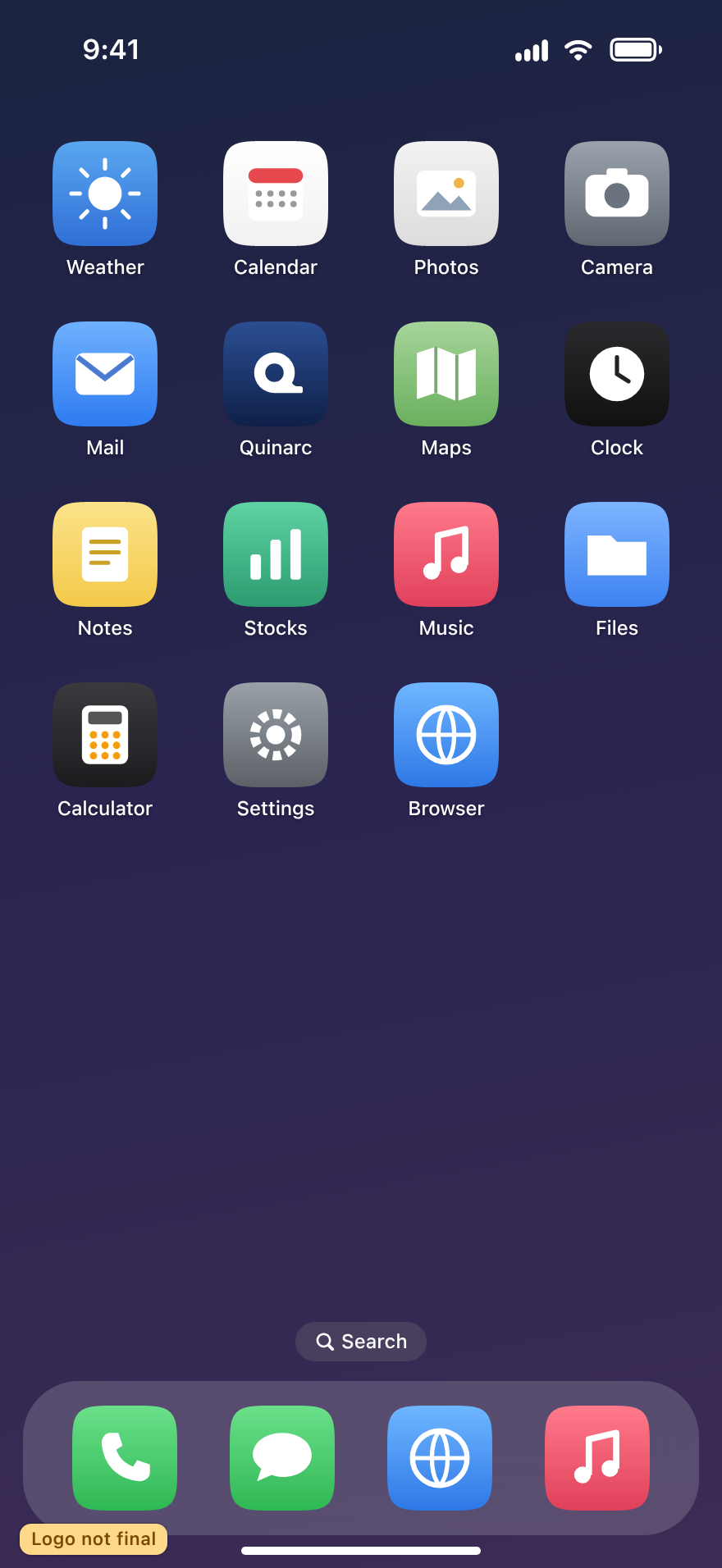
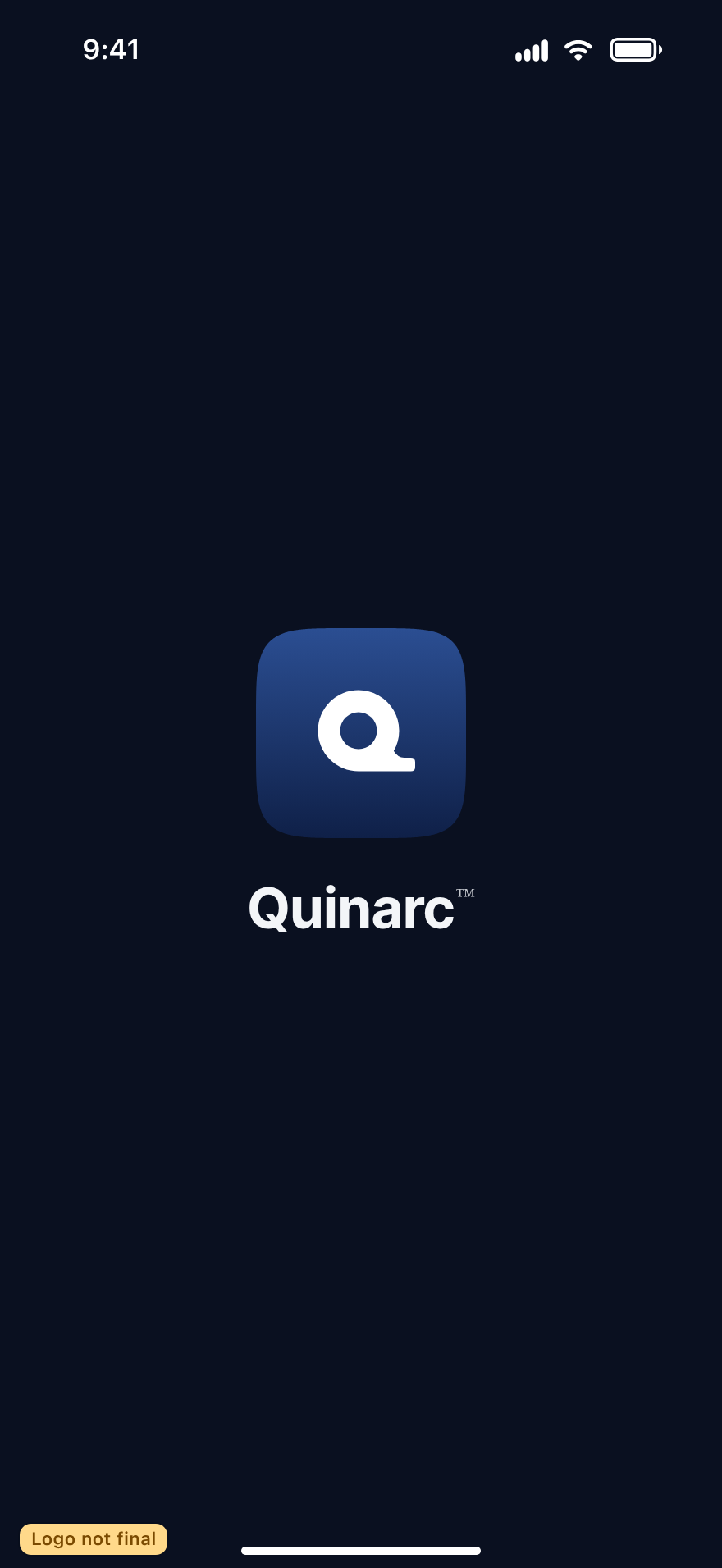
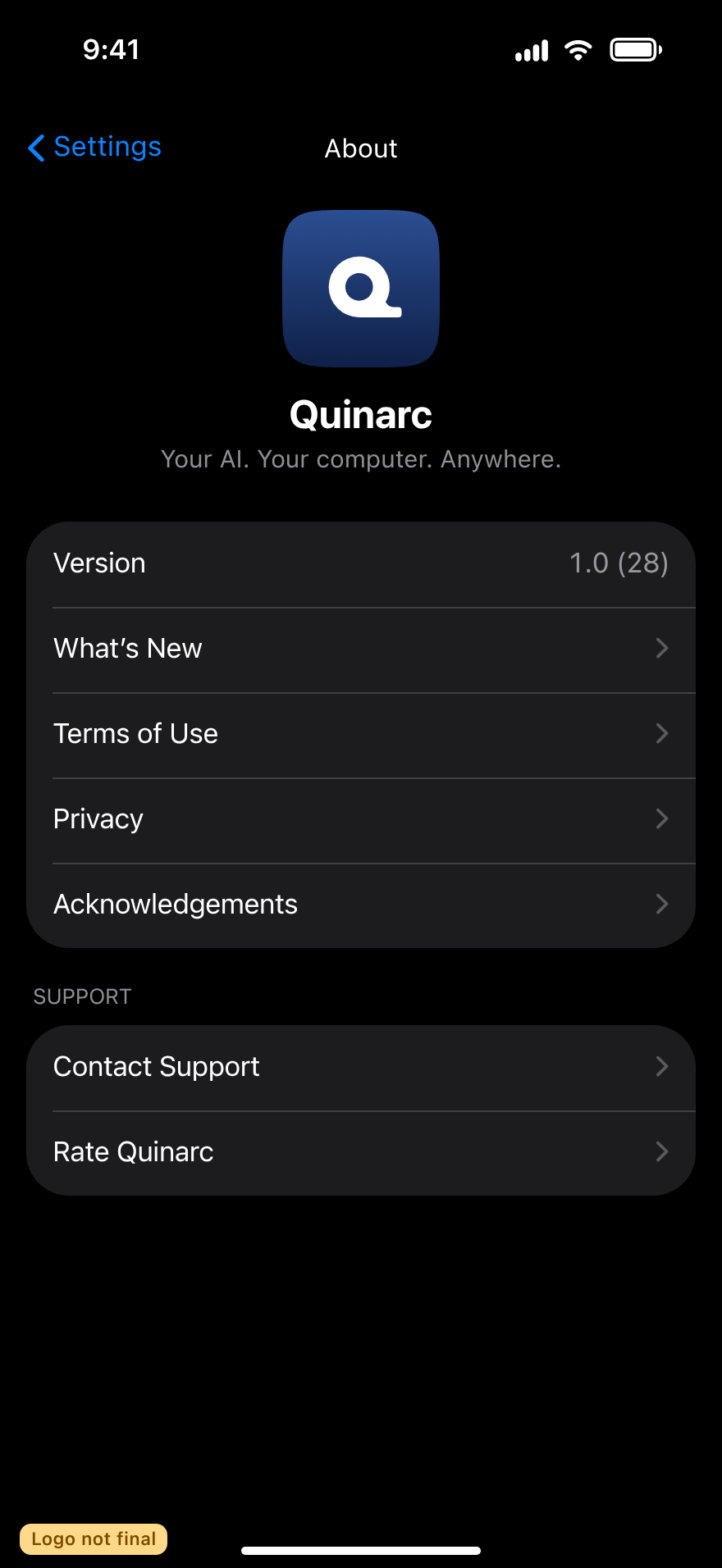
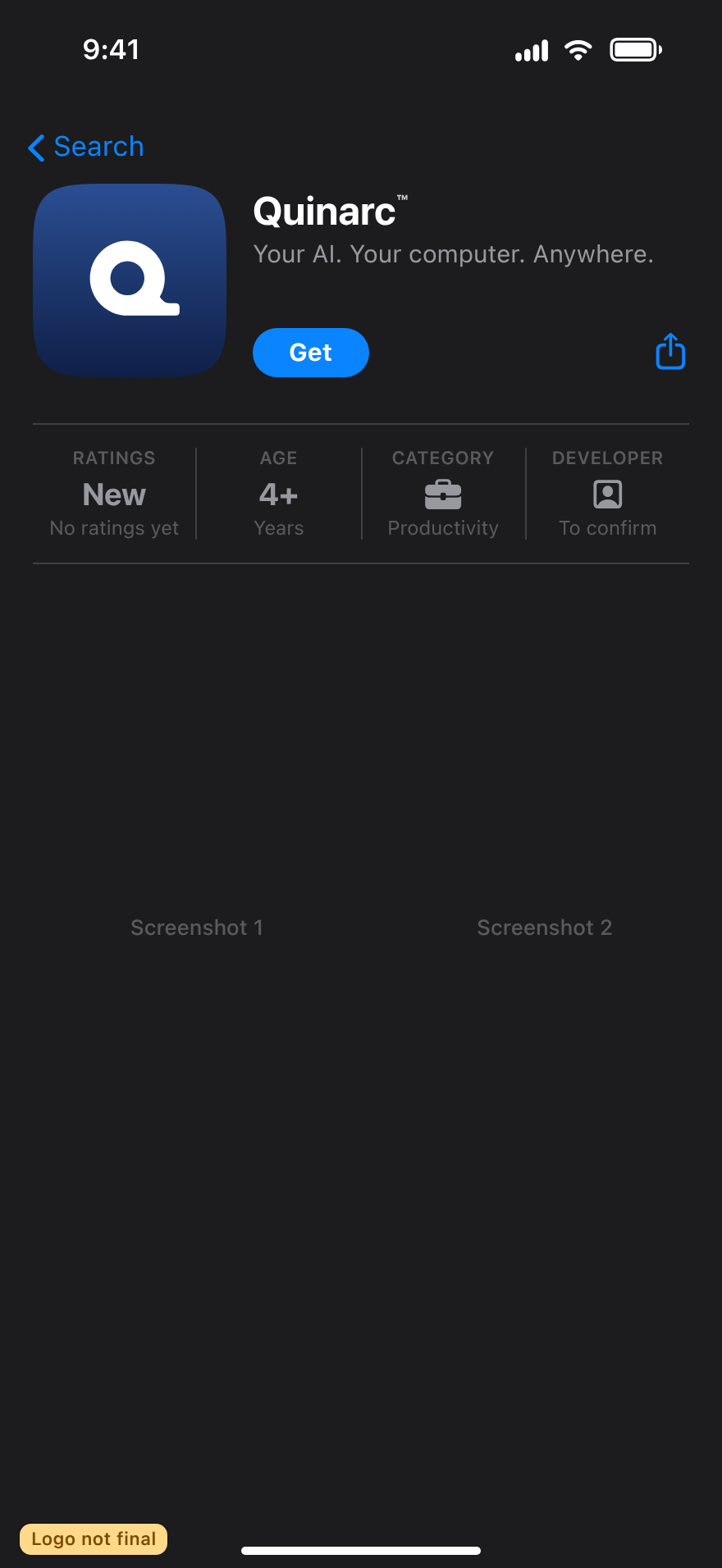
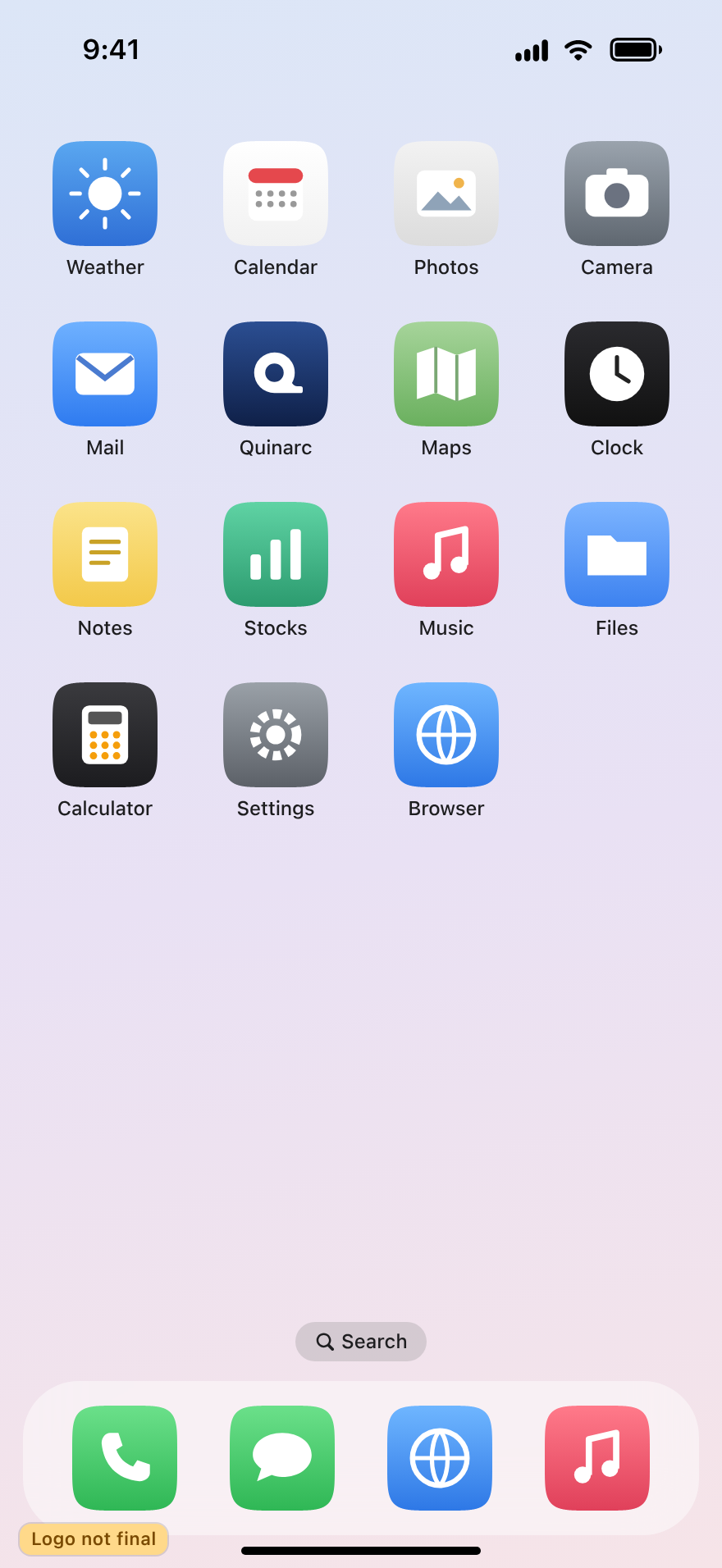
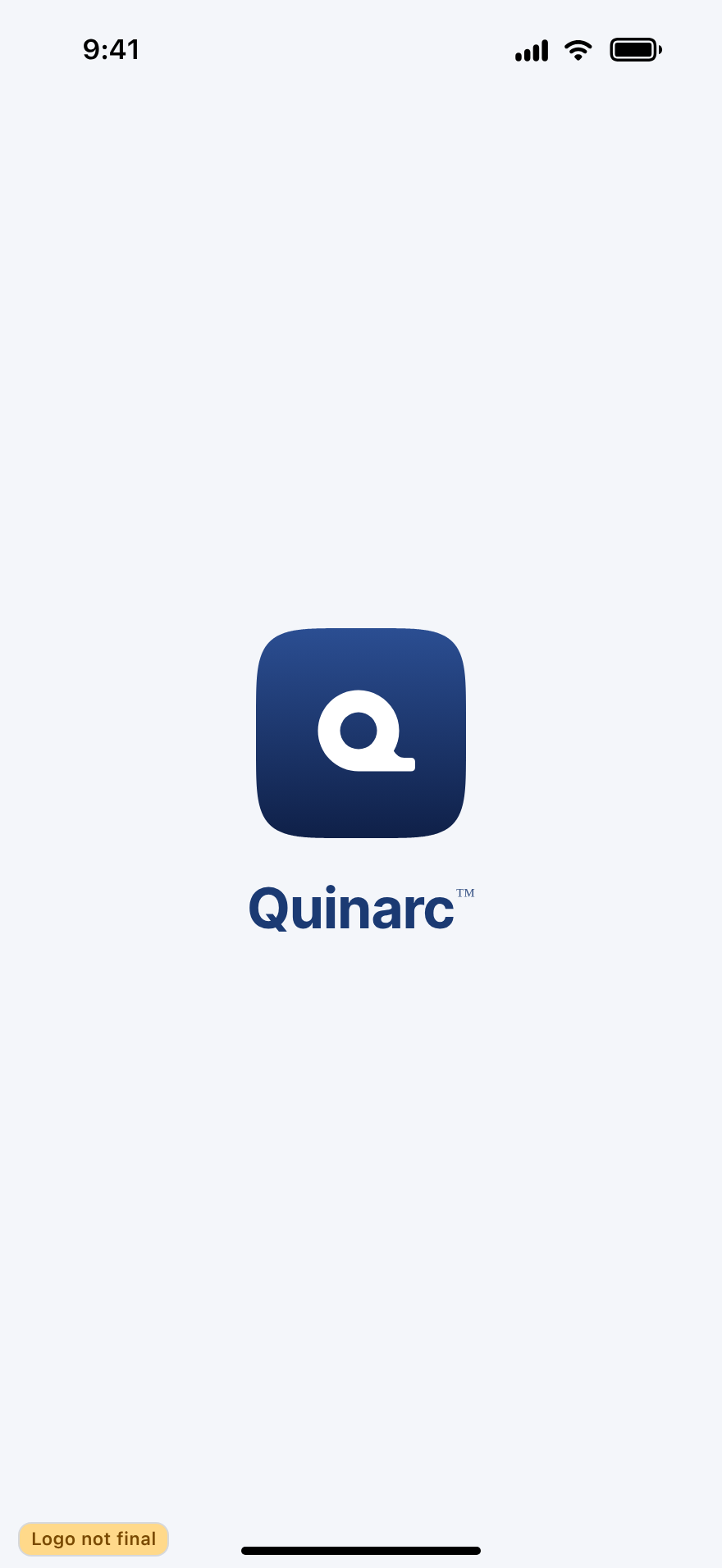
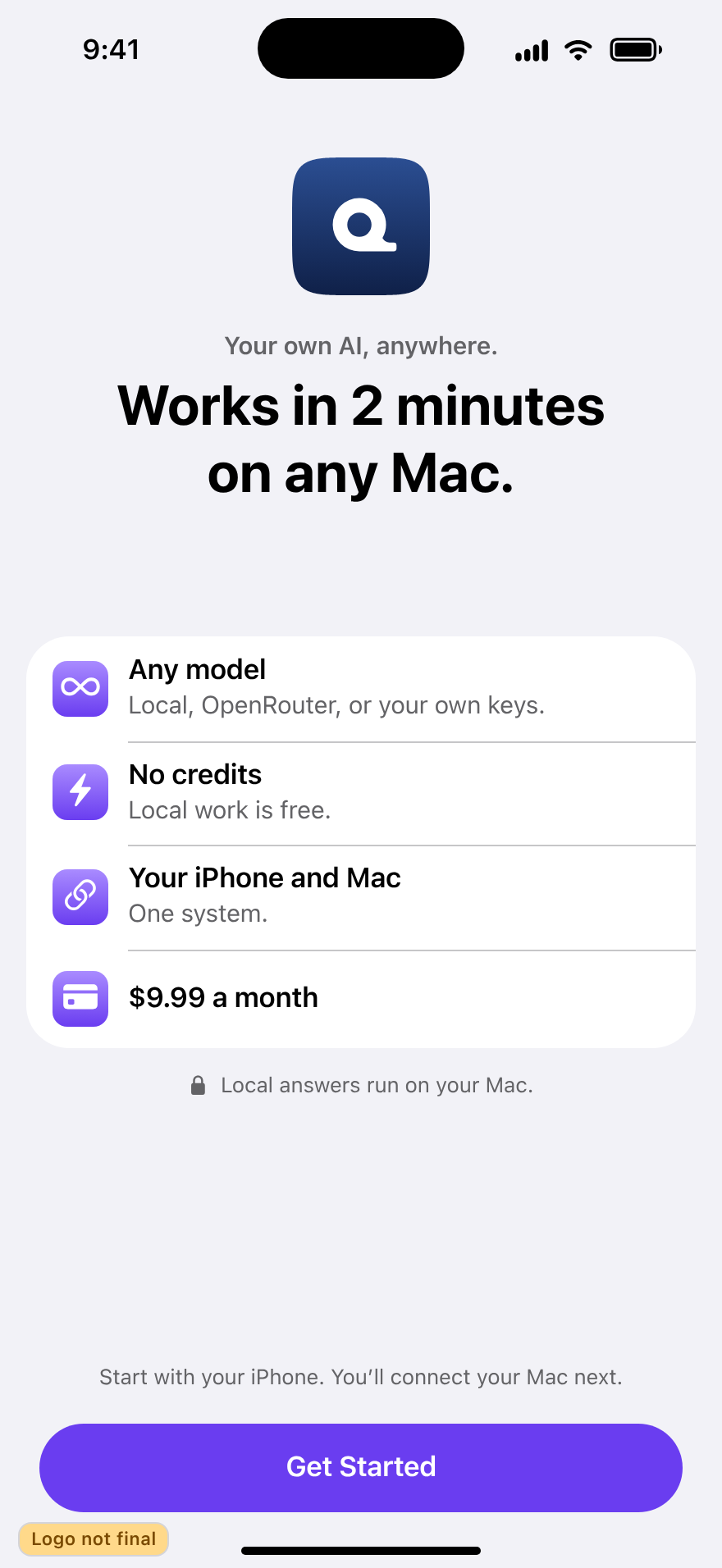
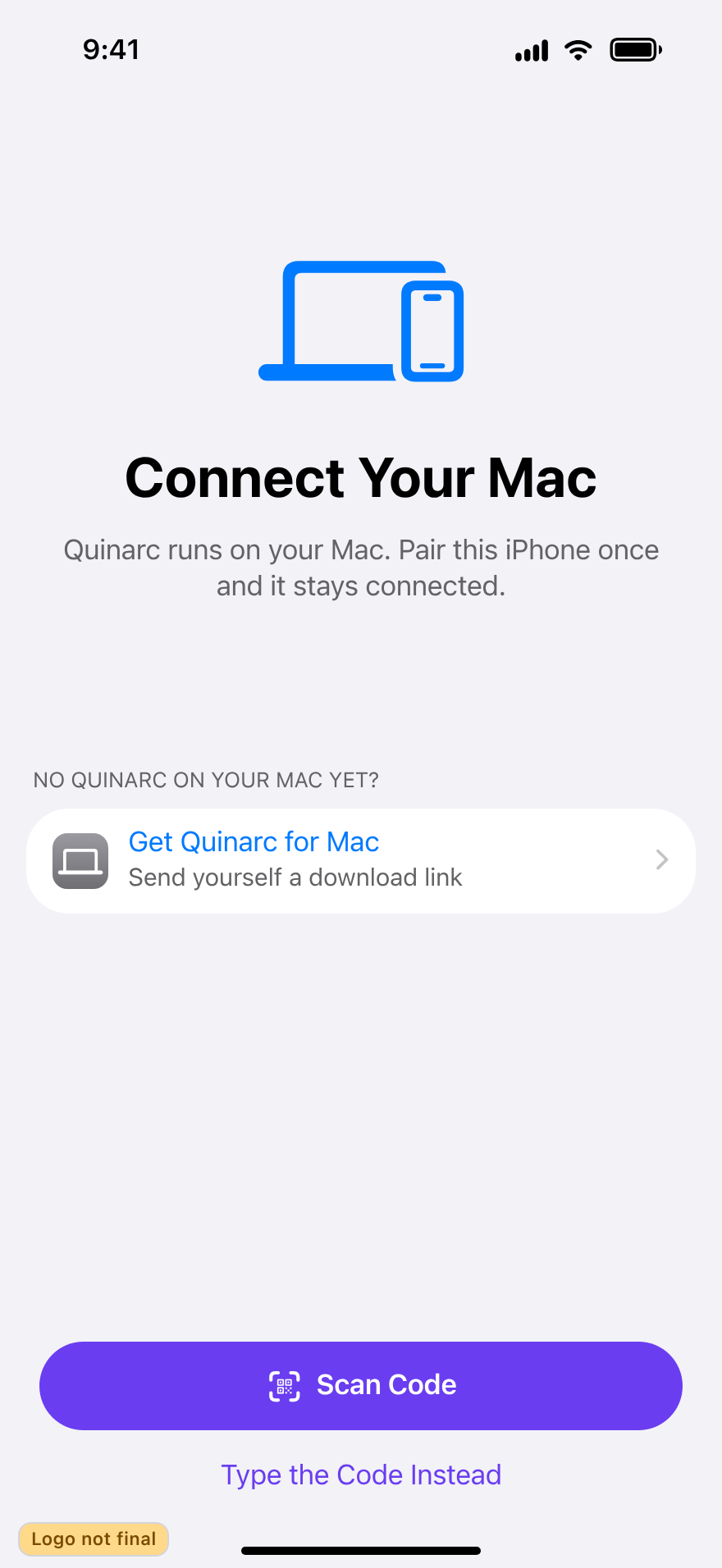
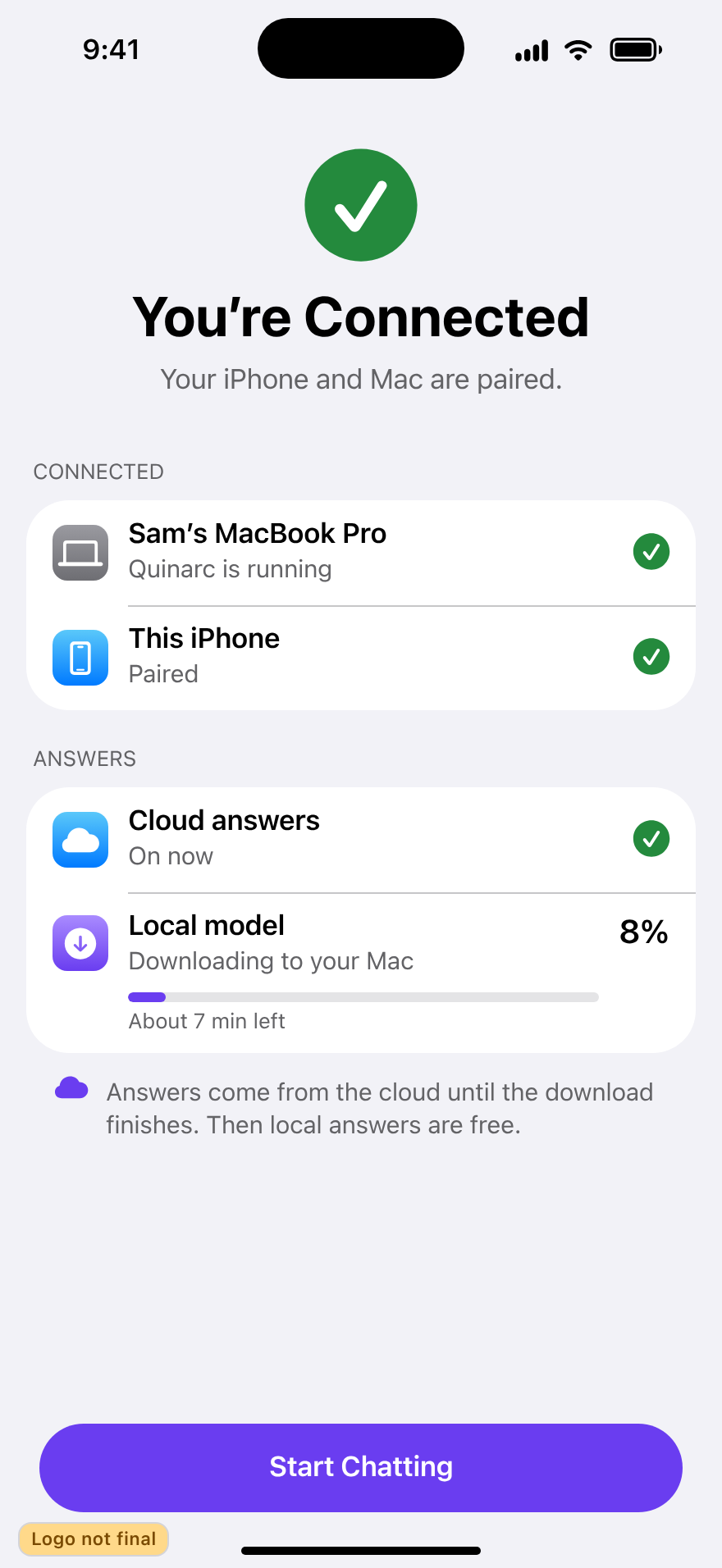
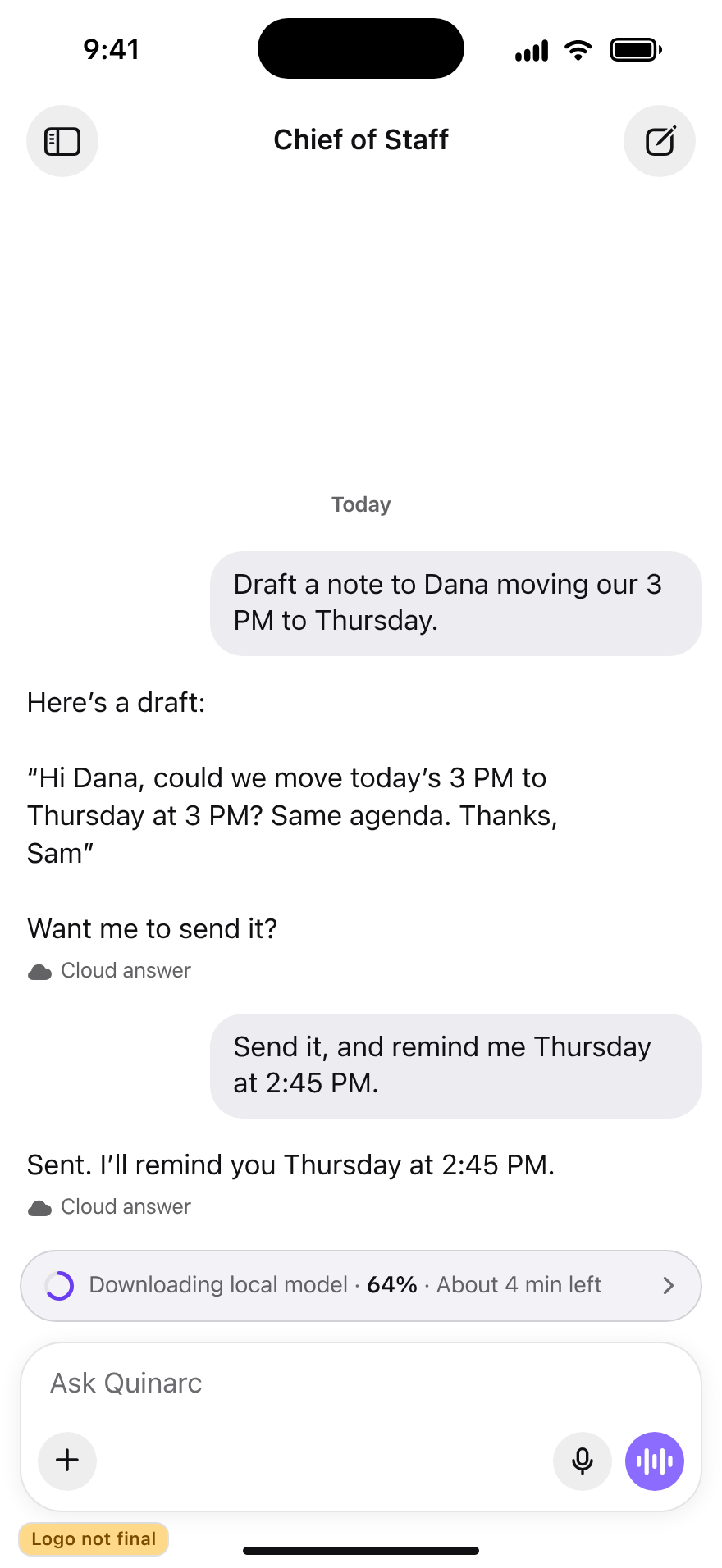
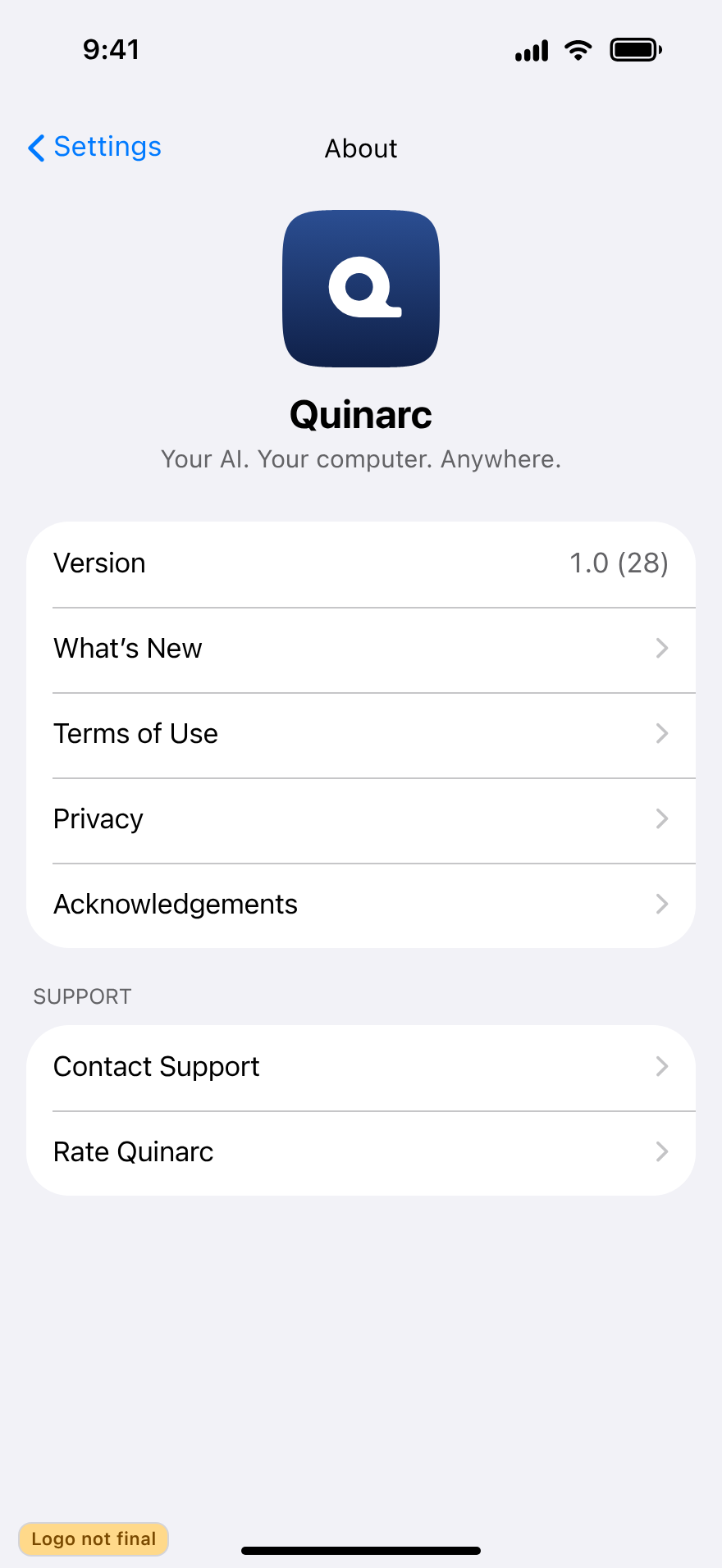
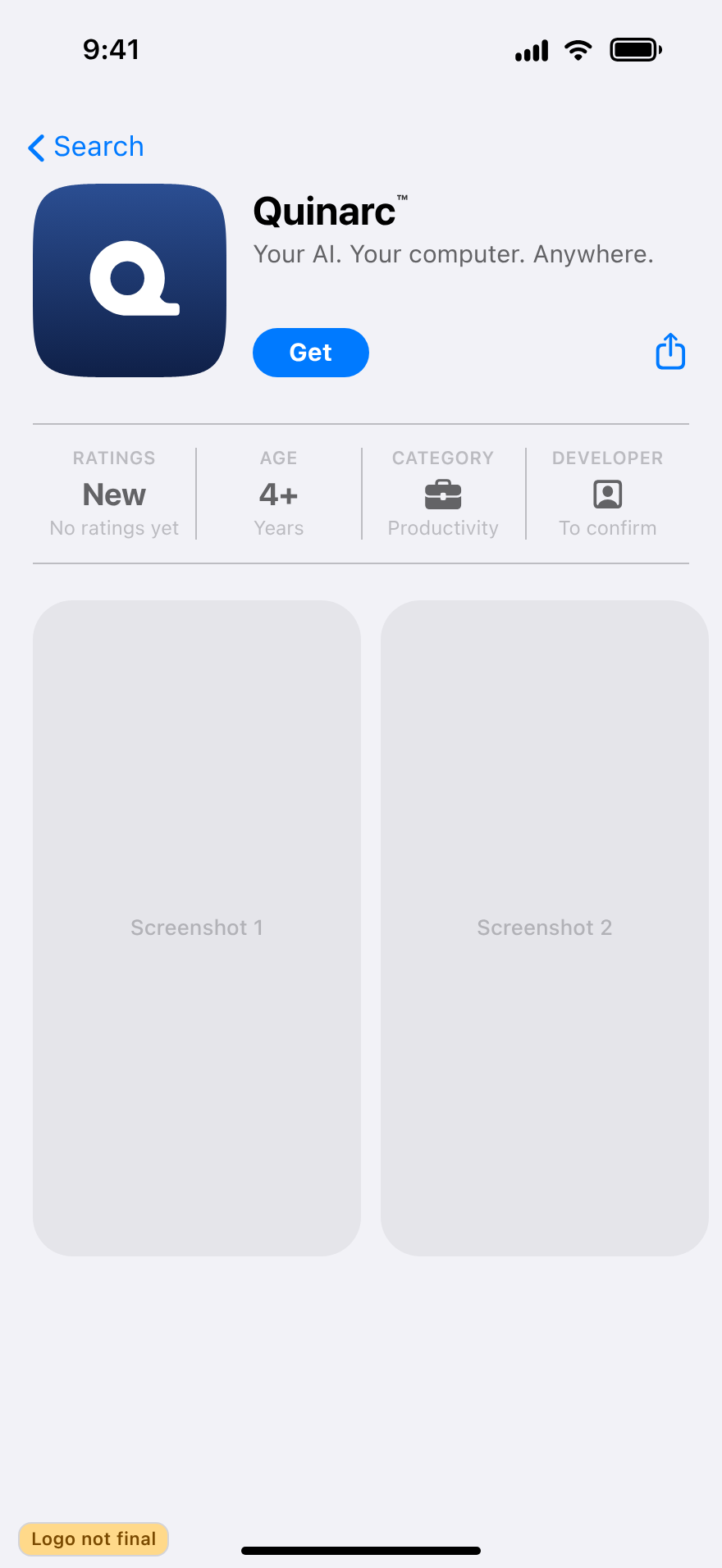
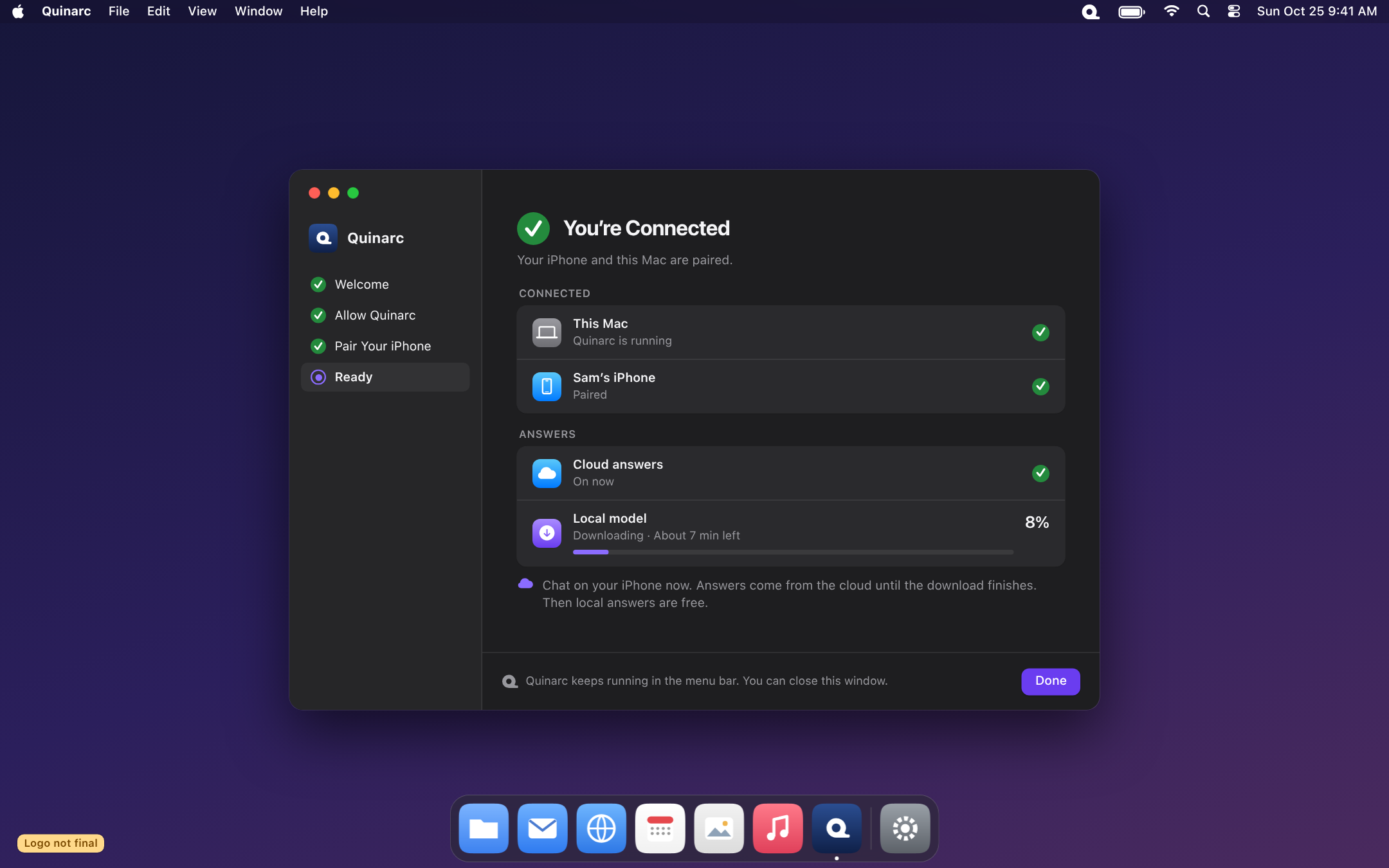
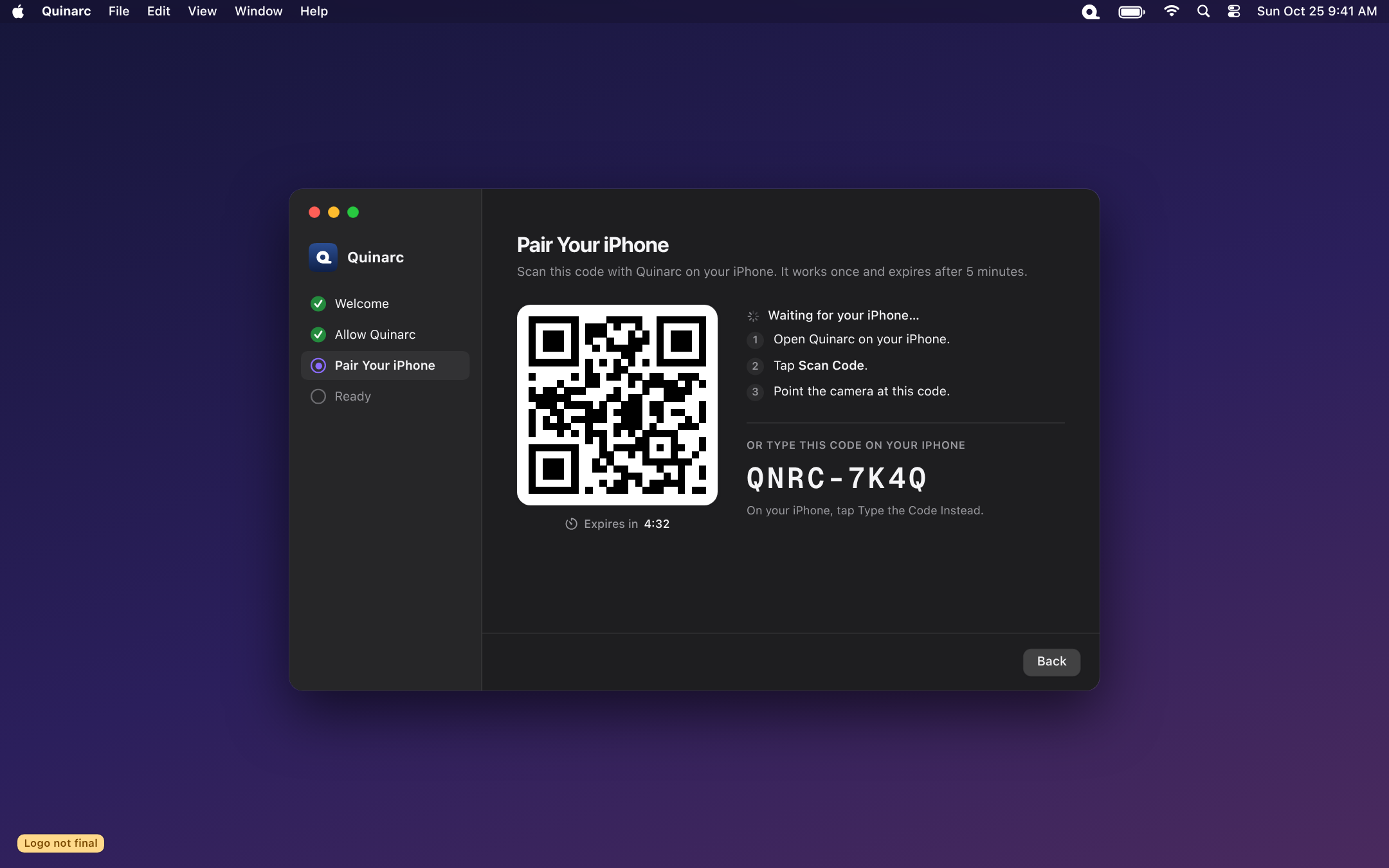
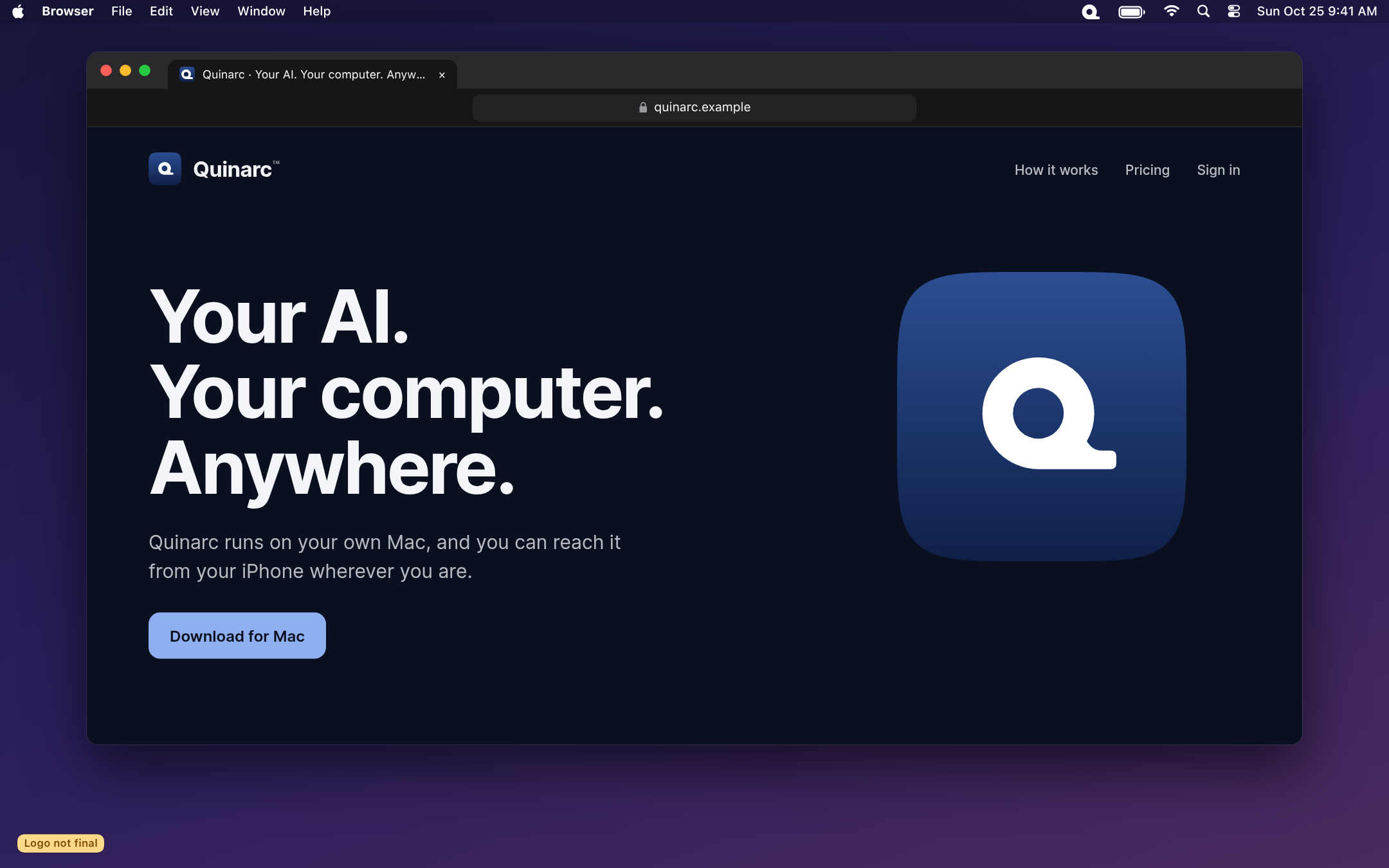
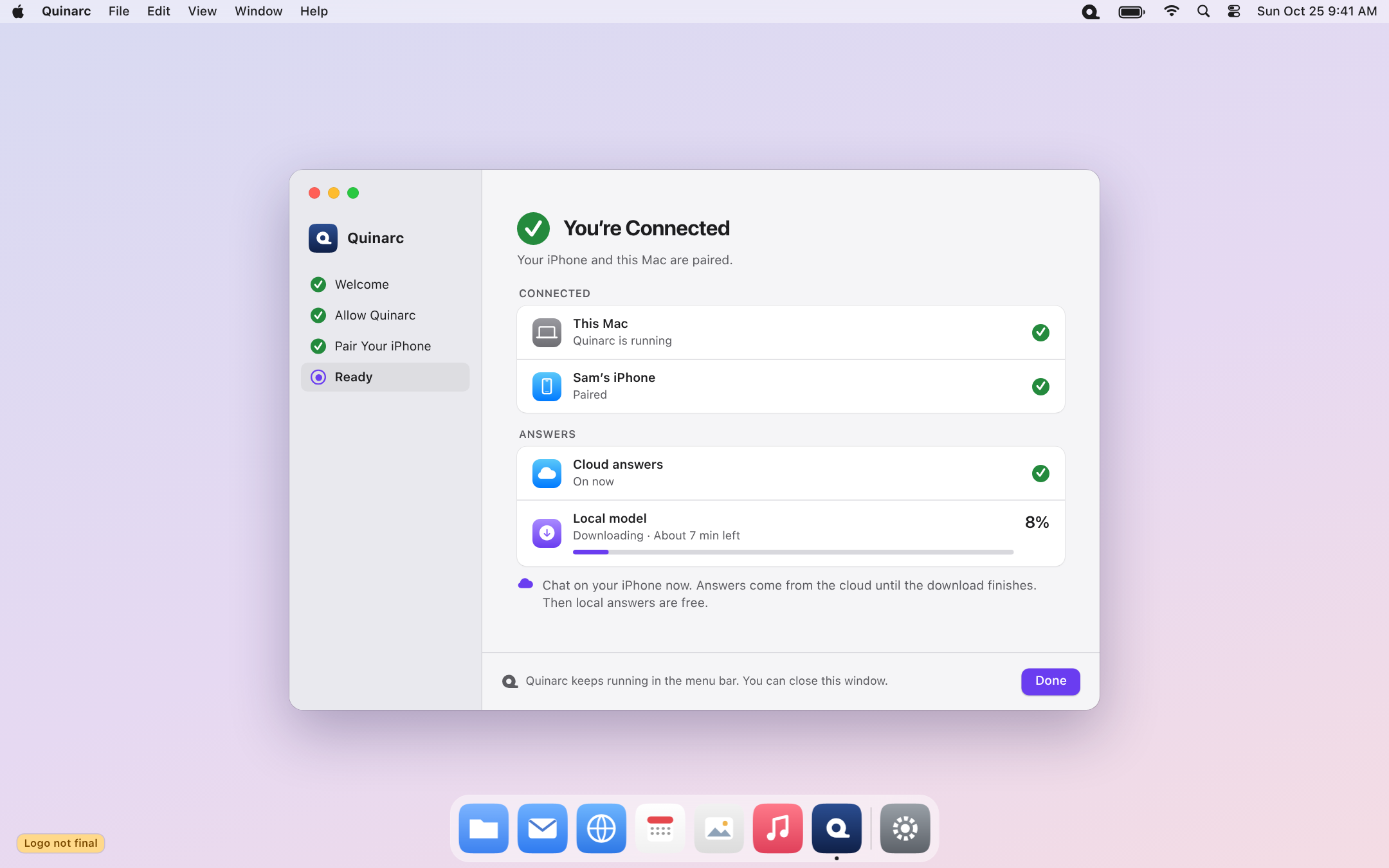
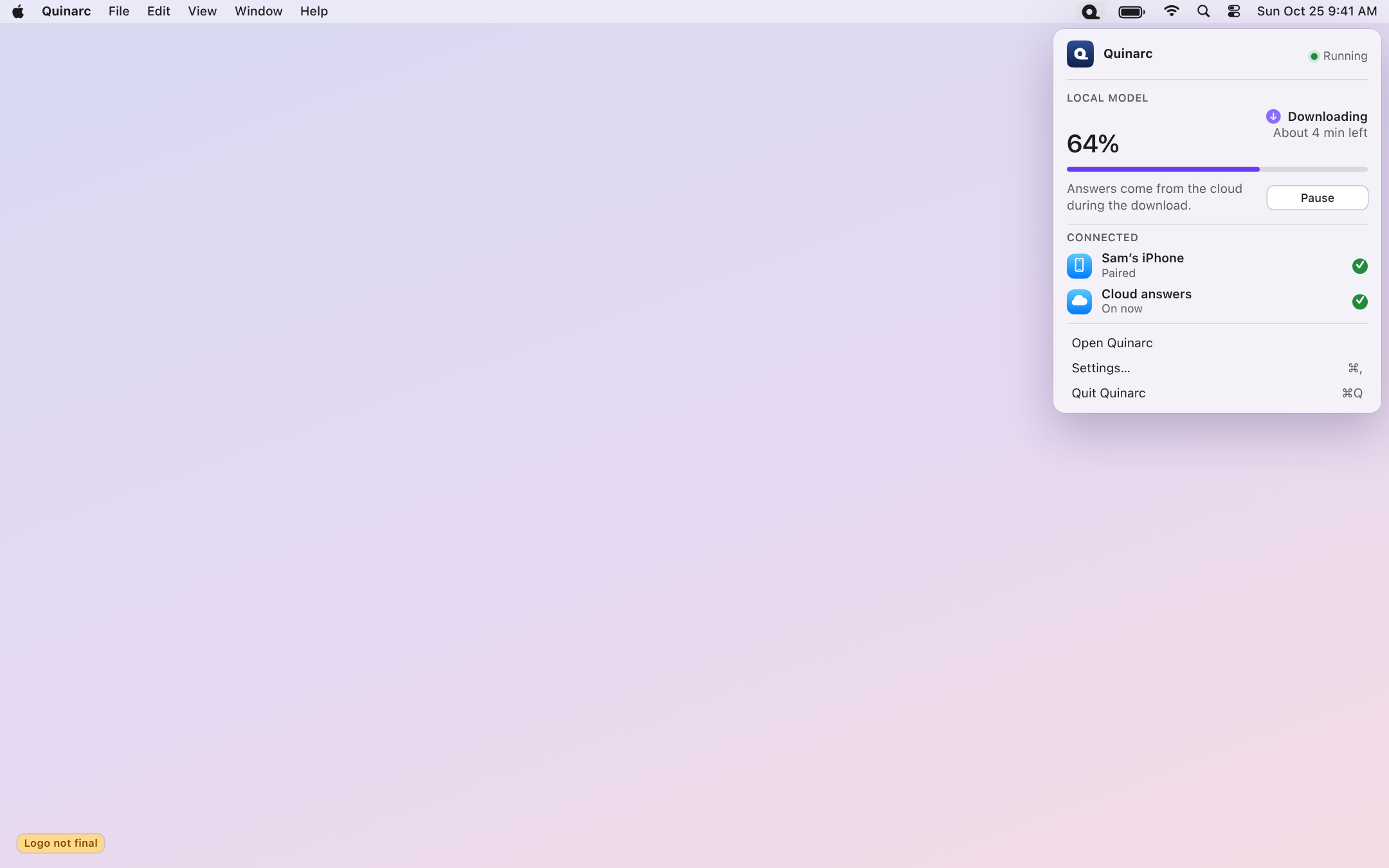
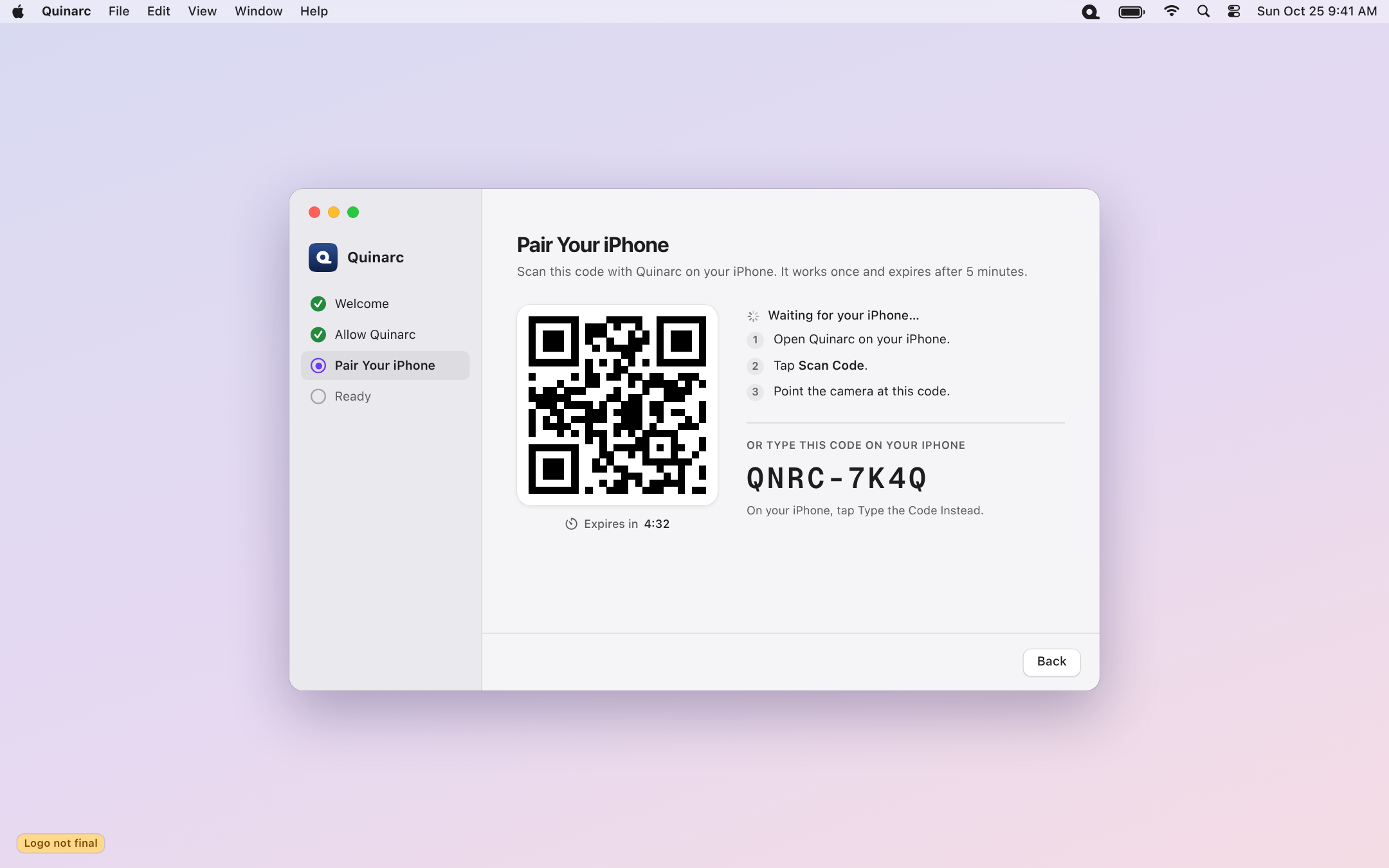
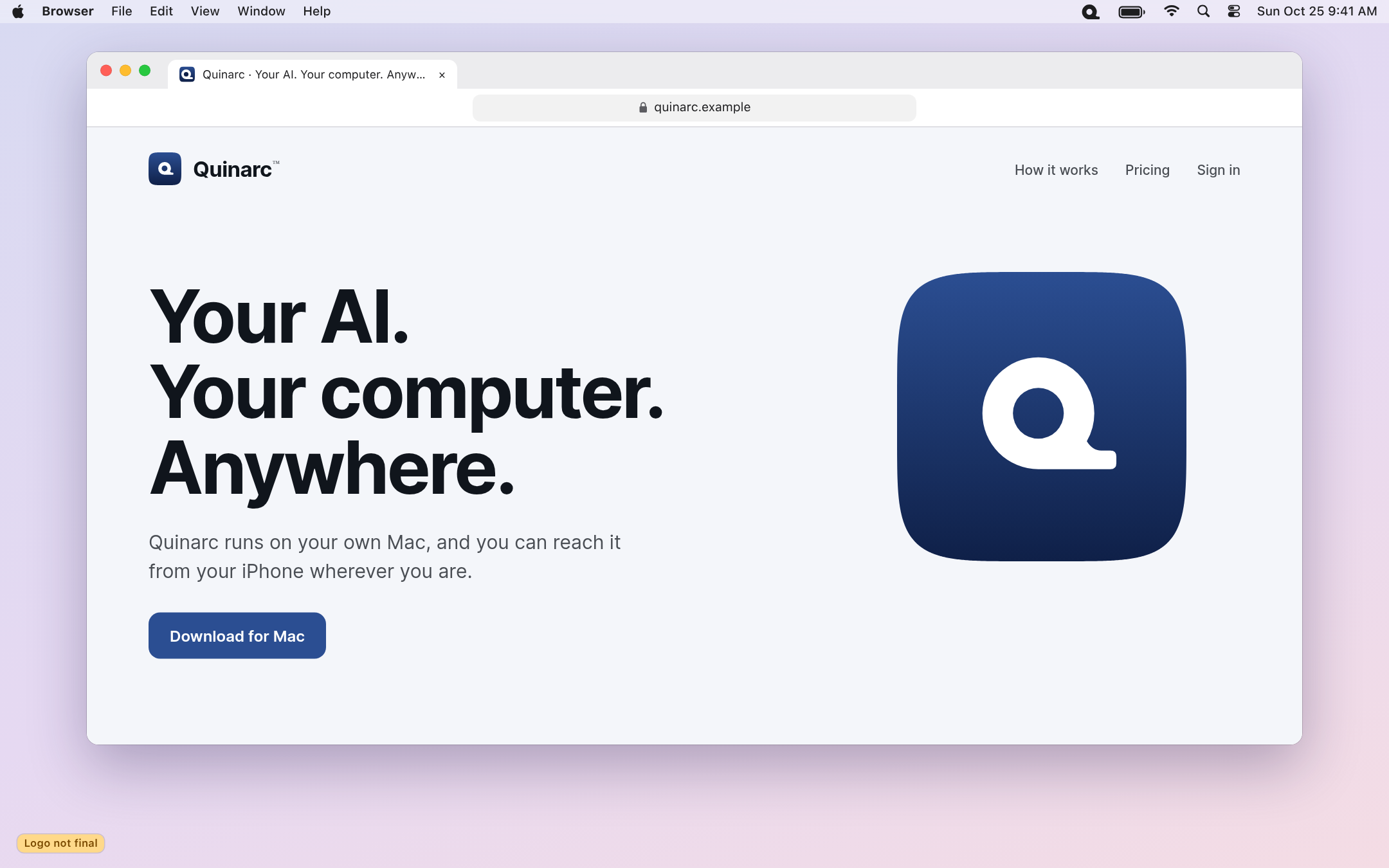
How build 28 looks with the new name, using Point Q A3 as a stand-in. Each screen has a small “Logo not final” badge and will update with whichever logo wins. Click any screen to see it full size.
IPHONE · DARK
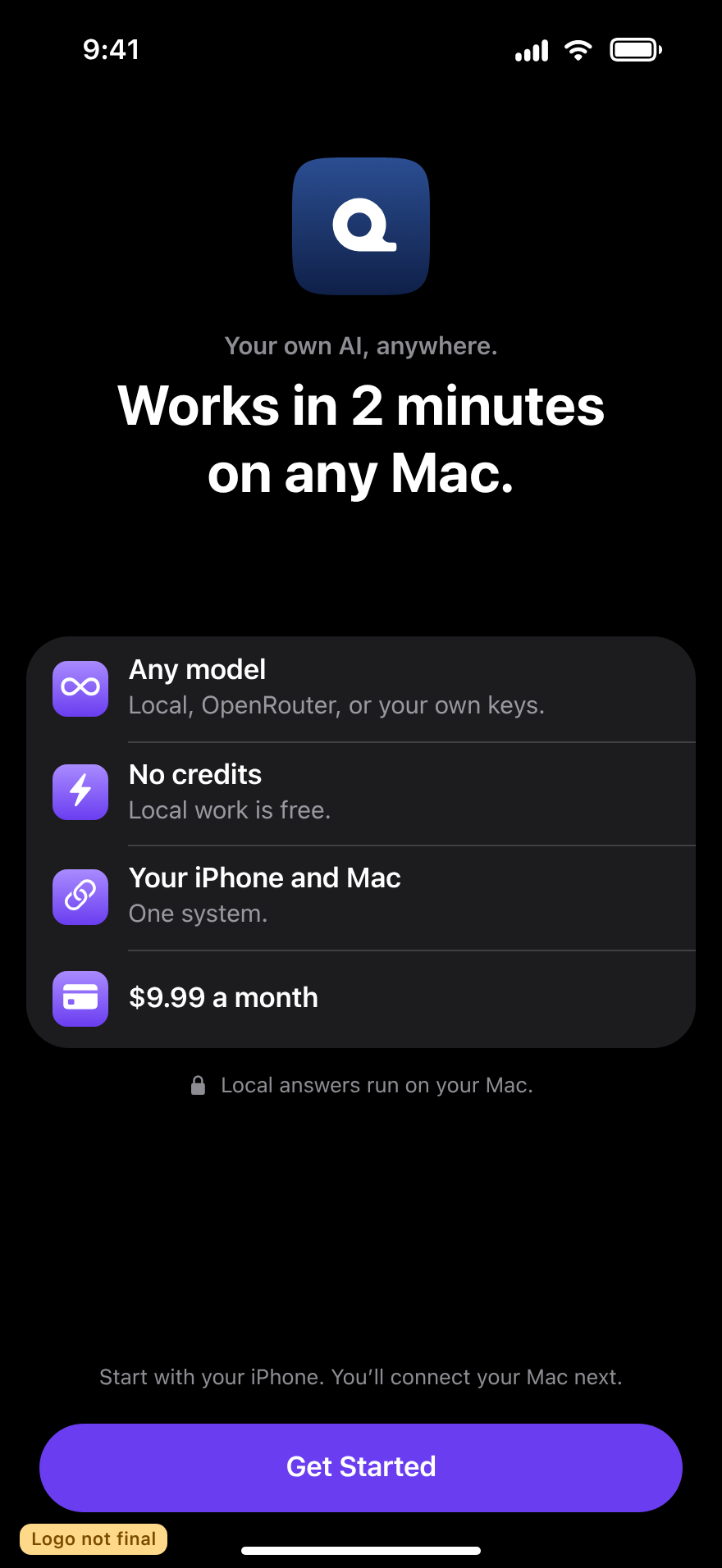
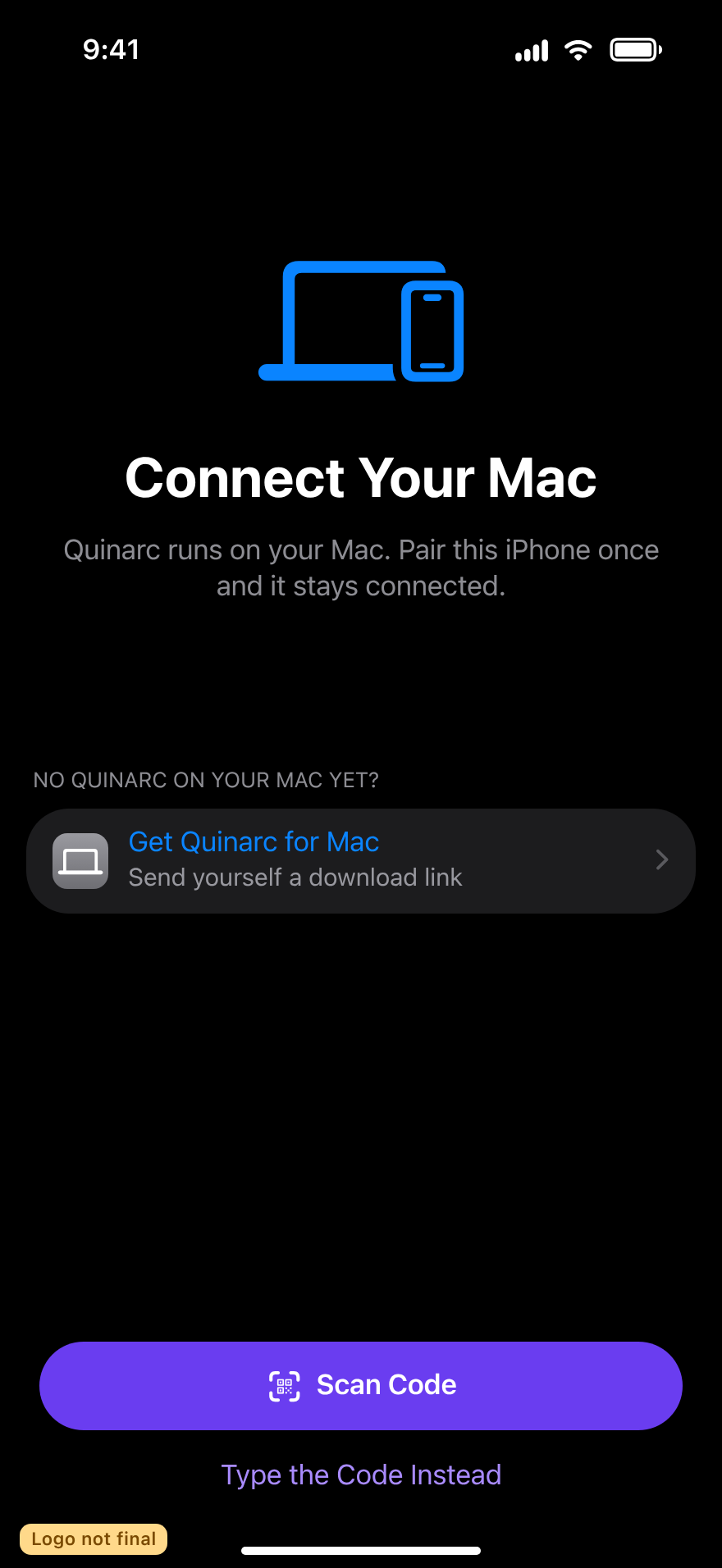
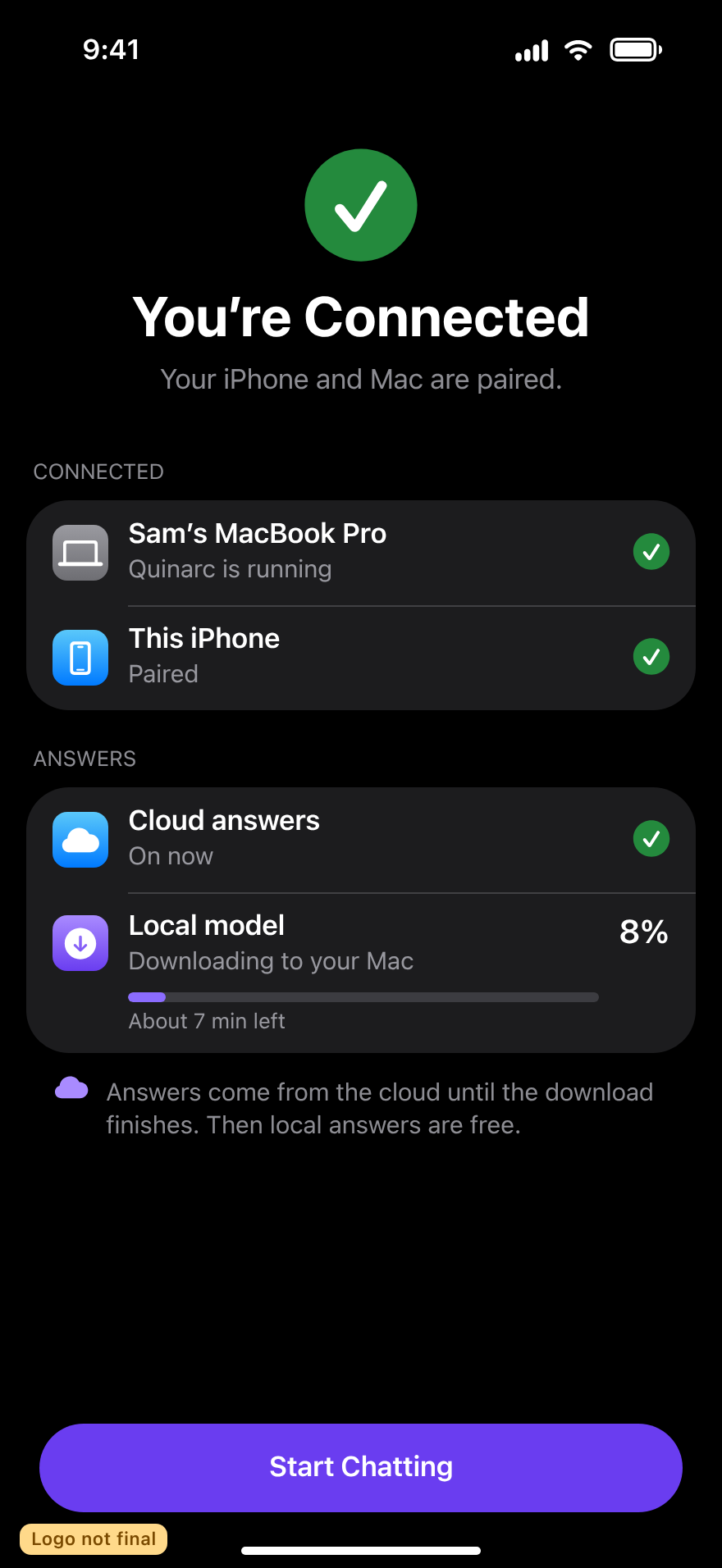
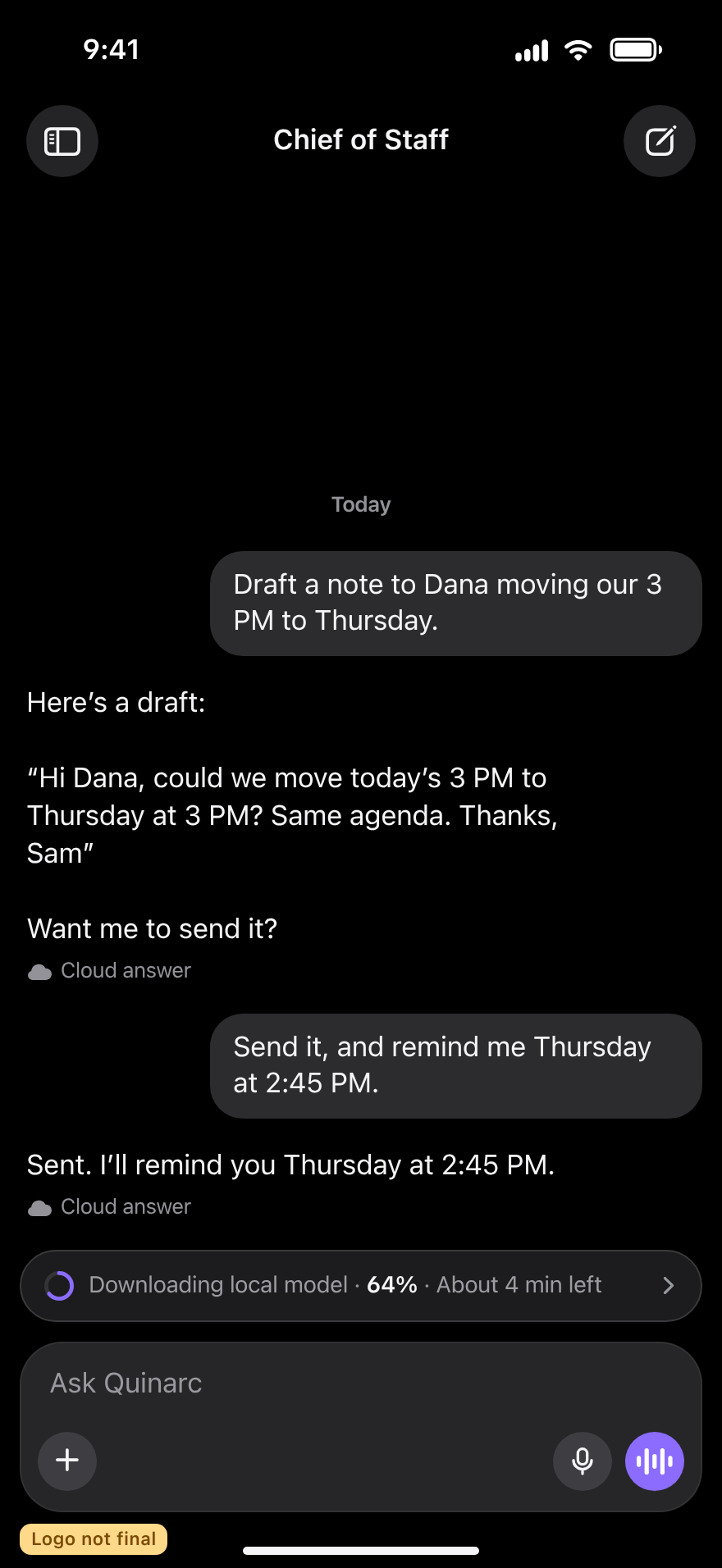
IPHONE · LIGHT
MAC · DARK
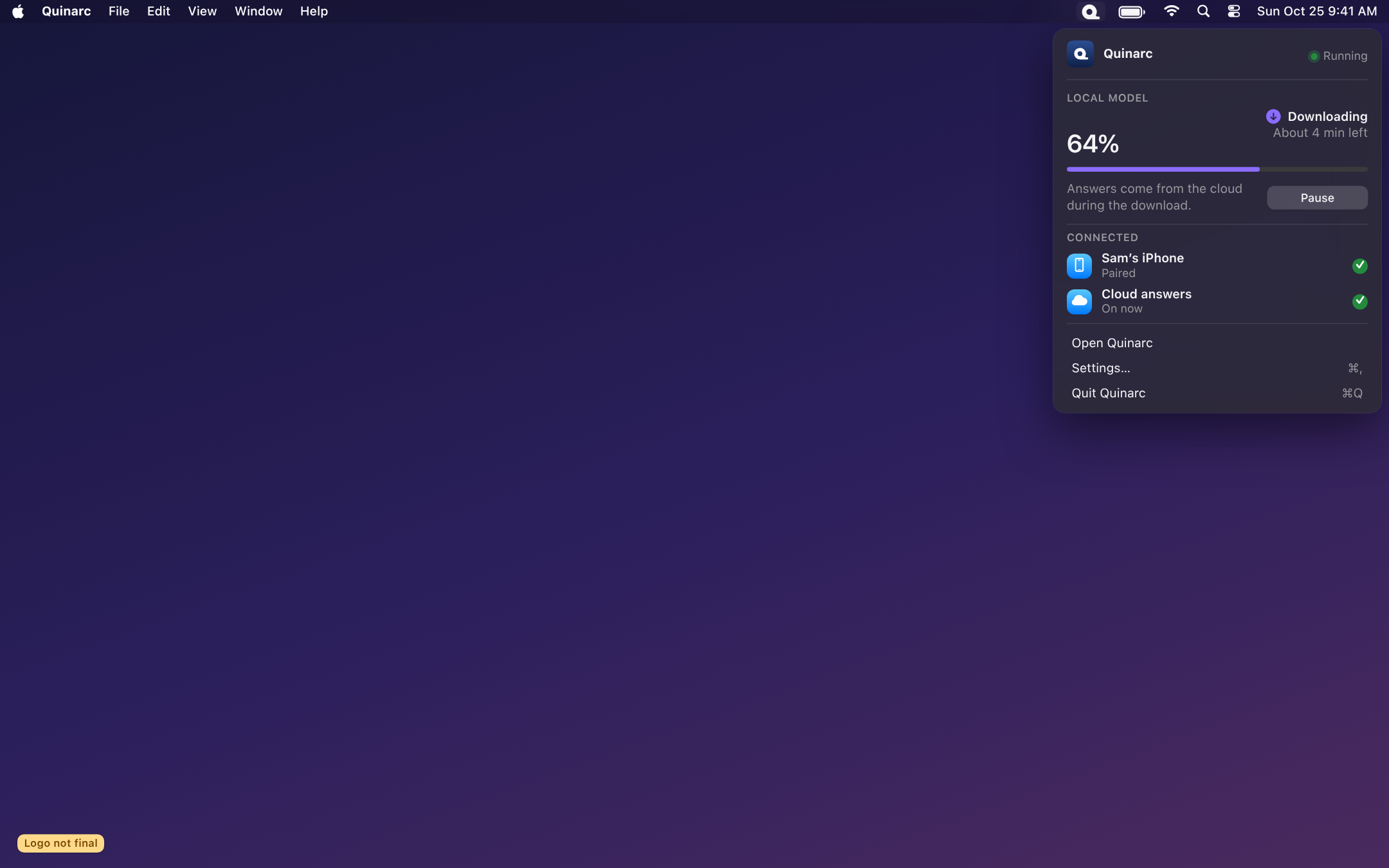
MAC · LIGHT
HOW THE NAME IS WRITTEN
The QUINARC trademark was filed on Oct 30 (class 9) and is pending.
MARKETING PLACES
- App Store listing header
- Website hero
- Launch screen
A small, light ™. Have the lawyer confirm before launch.
INSIDE THE APP
- Chat, settings, About and pairing
- Menu bar, Dock and the icon label
- Everyday messages and alerts
Never use ® while the application is pending.
DECISIONS FOR YOU
None of these are urgent.
Pick the logo
Point Q A3 is my recommendation. Ideally run the first impression sheet with about five people first, then choose. If the tape-roll read comes up again, I will try the shorter tail.
I recommend: Point Q A3, after a quick people testButton colour: keep violet, or move to navy and gold?
The app buttons are still violet while the new icon is navy and gold. Keeping violet avoids reworking every screen before the logo is final; we can revisit once it is.
OK the new pairing code start
Pairing codes change from BRDG- to QNRC- (for example QNRC-7K4Q). The old start keeps working for a while so Macs and iPhones already paired stay connected.
I recommend: OK QNRC-FULL BOARD, FOR REFERENCE
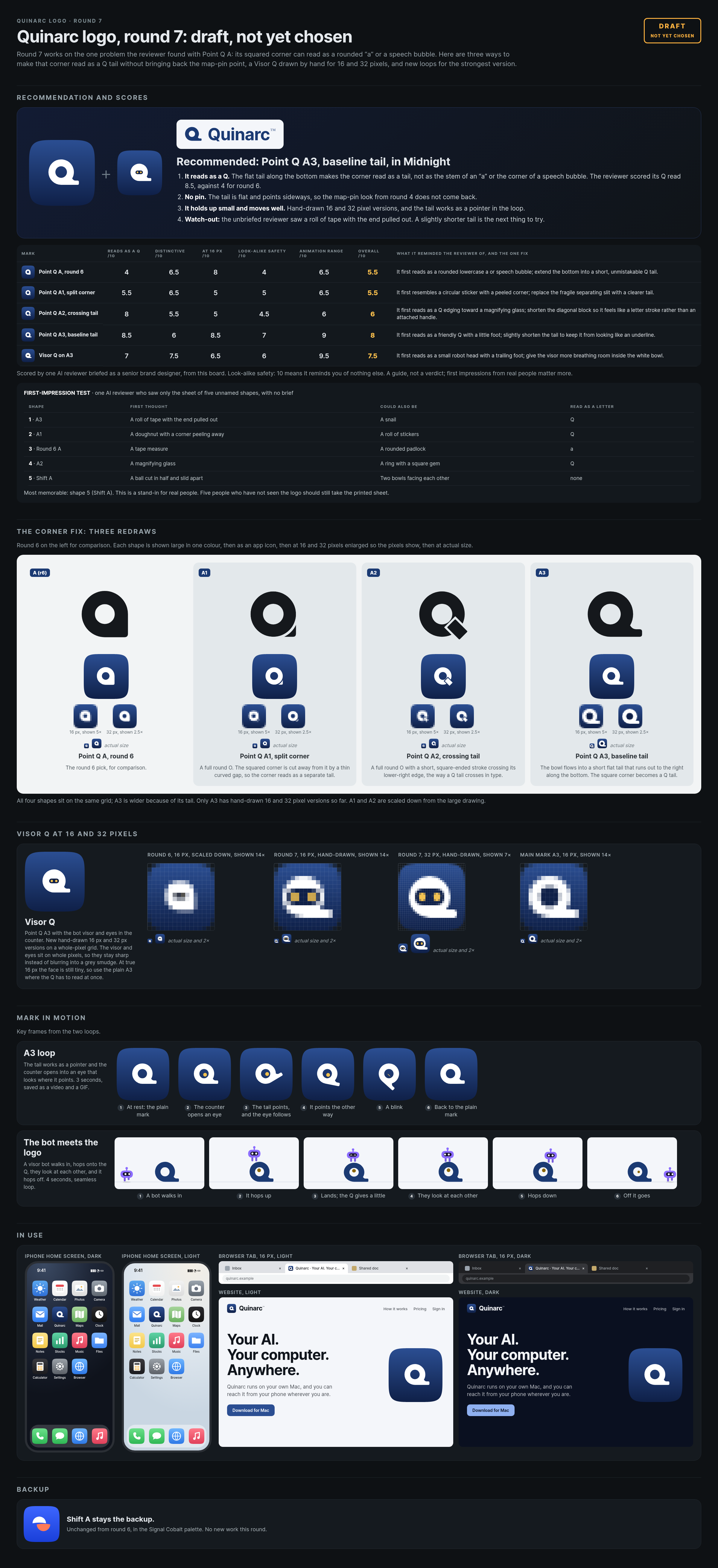
The complete round 7 board. Click to open it full size.
RENAME SCREENS CONTACT SHEET